EasyManua.ls Logo

Convoy Performance Series - User Manual

Default Icon
6 pages
Print Icon
To Next Page IconTo Next Page
Loading...
Please read this manual thoroughly before operang the unit, and keep it for further reference.
Convoy Technologies 6409 Highview Drive | Fort Wayne, IN 46808 | Ph (888) 565-2583
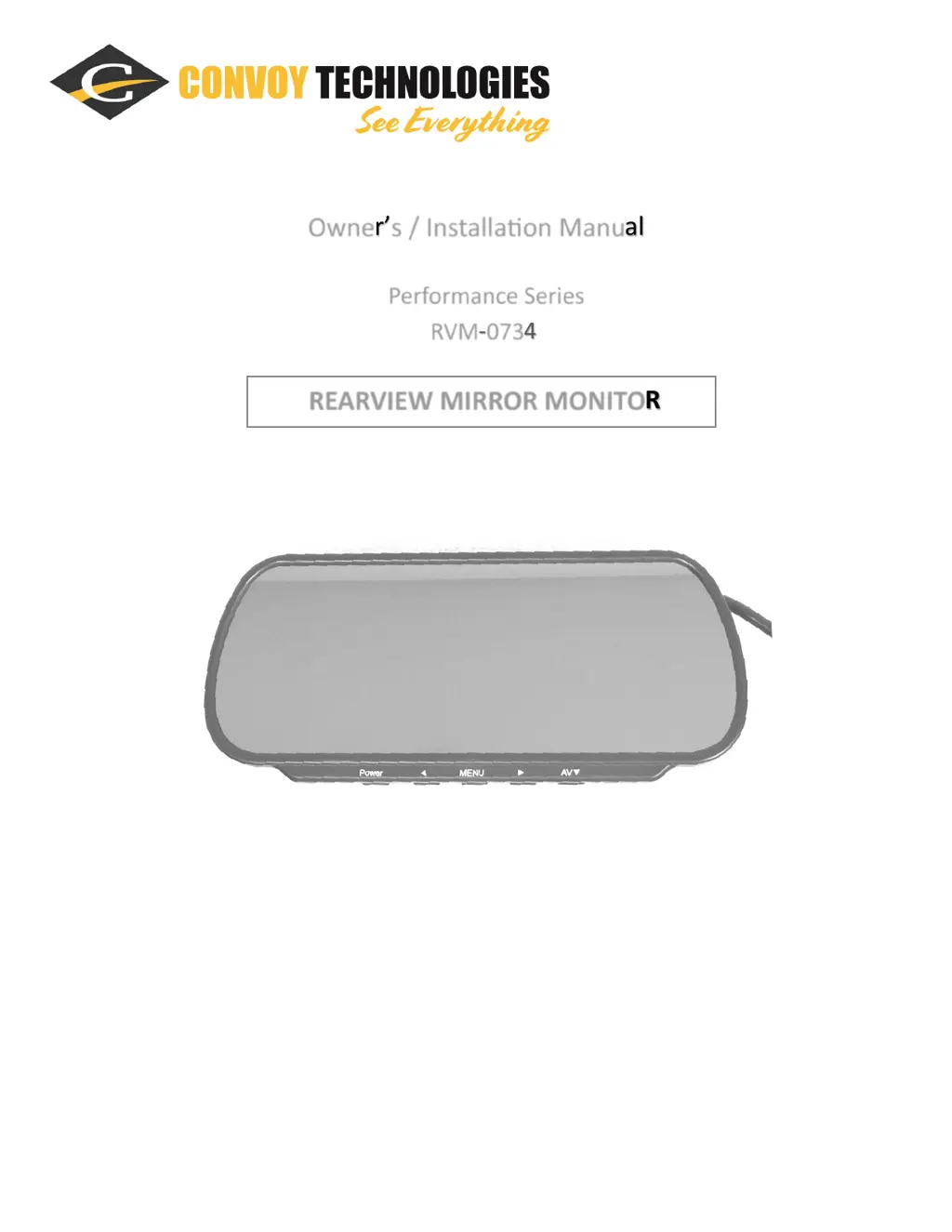
Owners / Installaon Manual
Performance Series
RVM-0734
REARVIEW MIRROR MONITOR

Questions and Answers

  • J
    Jonathon HensleySep 8, 2025
    Why does my Convoy Performance have no picture and no sound?
    • C
      Christopher SheaSep 8, 2025
      If your Convoy Monitor shows no picture and no sound, it might be due to an improperly connected automobile adapter or the use of an unauthorized power supply. Also, check if the power switch is in the OFF position.
  • L
    Lawrence BurkeSep 7, 2025
    What to do if my Convoy Performance picture is dark?
    • W
      williamgravesSep 7, 2025
      If your Convoy Monitor displays a dark picture, ensure that the brightness and contrast settings are properly adjusted. Also, verify that the ambient temperature is not too low.
  • C
    Corey AbbottAug 22, 2025
    How to fix upside down picture on Convoy Performance Monitor?
    • R
      Robert WoodAug 22, 2025
      If the picture on your Convoy Monitor is upside down or laterally inverted, use the remote control and press the MENU-ROTATION button to set the proper orientation.
  • D
    Douglas RichardsonSep 4, 2025
    How to correct an upside-down picture on Convoy Performance?
    • P
      Pamela BatesSep 4, 2025
      To correct an upside-down or laterally inverted picture on your Convoy Monitor, use the remote or the MENU-ROTATION button to set the proper orientation.
  • S
    Samantha SmithSep 3, 2025
    How to brighten a dark picture on Convoy Performance Monitor?
    • A
      Alyssa SaundersSep 3, 2025
      If the picture on your Convoy Monitor is dark, check whether the brightness and contrast are adjusted correctly. Also, verify that the environment's temperature is not too low.
  • A
    alex13Sep 1, 2025
    Why is the reversing function not working on my Convoy Performance?
    • K
      Kenneth FlowersSep 1, 2025
      If the reversing function is not working on your Convoy Monitor, the cause may be loose wires (black/red/green). Check these wires to ensure they are properly connected.
  • R
    rmeyerAug 31, 2025
    What to do if my Convoy Performance has no sound?
    • S
      Samantha GoodwinAug 31, 2025
      If there is no sound on your Convoy Monitor, verify that the locking cable is properly connected and that the sound volume isn't set too low.
  • J
    Jessica AguirreAug 30, 2025
    How to fix Convoy Monitor when there is no picture?
    • J
      Jonathan HopkinsAug 30, 2025
      If your Convoy Monitor shows no picture, first ensure the automobile adapter is properly connected, avoiding unauthorized power supplies. Also, check if the power switch is in the OFF position; the blue light indicates power, but you still need to press the power button to turn the monitor on.
  • T
    Tommy MartinezAug 28, 2025
    What to do if Convoy Monitor has no color?
    • J
      Jennifer ReynoldsAug 29, 2025
      If your Convoy Monitor displays no color, adjust the color settings.
  • R
    Robert HillAug 27, 2025
    How to troubleshoot no picture on Convoy Monitor?
    • H
      Heidi NicholsAug 27, 2025
      If there is no picture on your Convoy Monitor, check whether the locking cable is properly connected.

Summary

Precautions

Storage and Keeping

Guidelines for safe storage and handling of the device to prevent damage and ensure longevity.

Operating Precautions

Instructions for safe operation, including cable connection, driving safety, and environmental considerations.

Maintenance

Device Cleaning and Care

Instructions for cleaning the unit using a damp cloth and mild detergent, avoiding harsh chemicals.

Installation

Mounting the RearView Mirror Monitor

Step-by-step guide for physically mounting the rearview mirror monitor onto the vehicle's windshield.

Function Keys and Wiring

Explanation of device buttons and details on wire connections and pinout assignments.

Operation and Settings

Menu Navigation and Controls

Description of menu pages for picture, appearance, volume, and camera settings adjustments.

Technical Information

Installation Notes and Troubleshooting

Key installation tips and guidance for resolving common device issues and symptoms.

Product Specifications

Technical details of the rearview mirror monitor, including dimensions, resolution, and performance metrics.

Warranty and Support

Information regarding the product warranty, terms, conditions, and customer support contacts.

Convoy Performance Series Specifications

General IconGeneral
BrandConvoy
ModelPerformance Series
CategoryMonitor
LanguageEnglish