CoolPlug CooLinkHUB HVAC Bridge Wireless CoolPlug & CooLinkHUB – Installation Guidelines
QIG Version 2.2 26 CoolPlug CooLinkHUB
9 When pairing is complete the CoolPlug immediately tries to connect to the CooLinkHUB.
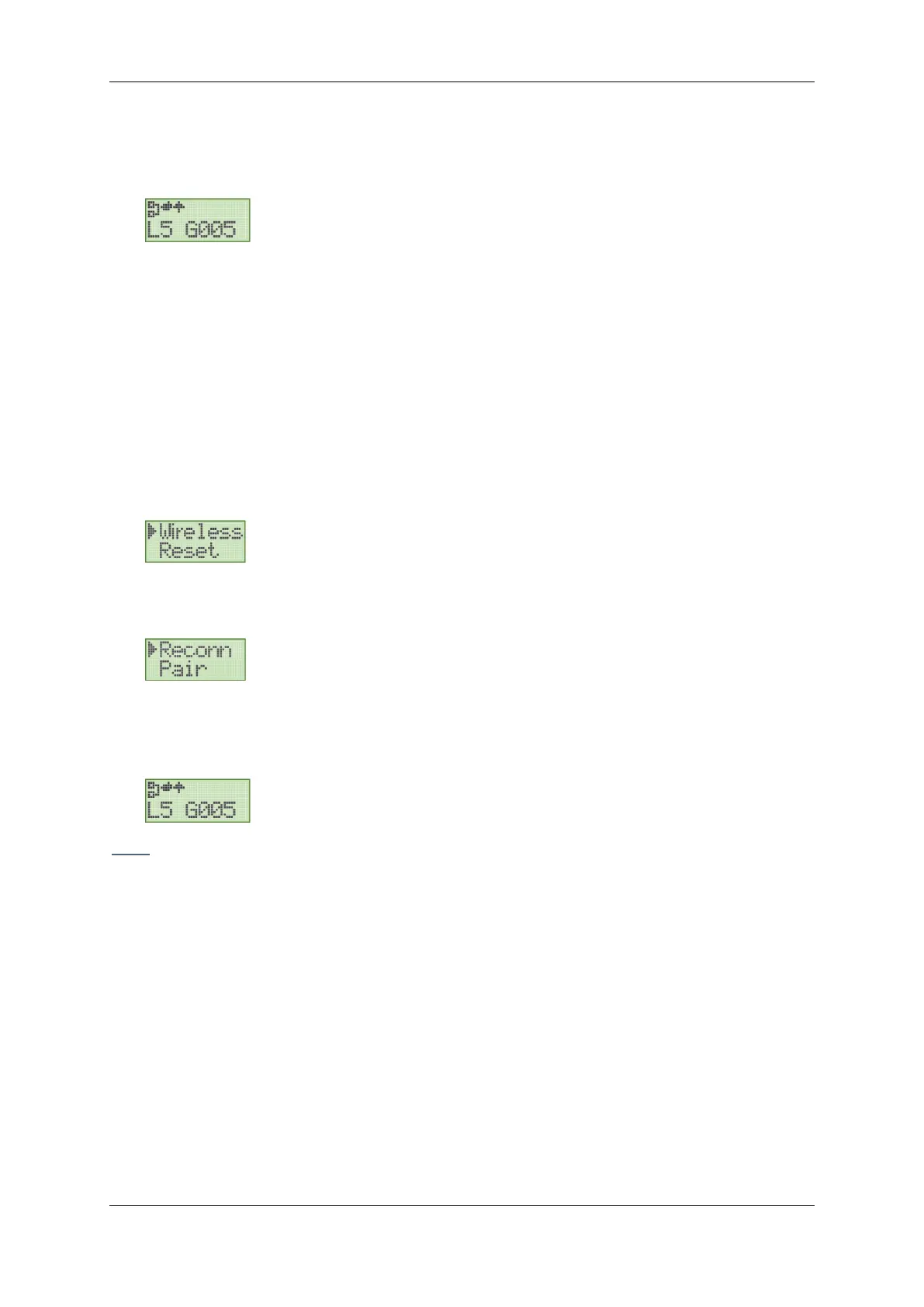
10 Once the connection is successful, the number of connected CoolPlugs is displayed on
the screen in L5 GXXX, where XXX denotes a number (in the image below XXX=5).
11 The devices are now paired and connected.
15.1 Rebuilding the wireless mesh network
In some cases, rebuilding the mesh network topology may be required. For example, when
changing the position of a number of CoolPlugs.
To ensure the network is built in the most optimal way, follow the reconnection procedure:
To reconnect all paired devices to the wireless network mesh
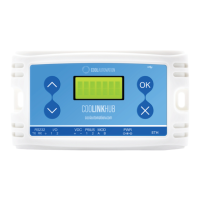
1 On the CooLinkHUB, press the OK button. An options menu is displayed on the screen.
2 With the arrow buttons select the Wireless option.
3 Press the OK button. A new options menu is displayed on the screen.
4 With the arrow buttons select the Reconn option.
5 Press the OK button.
6 Upon successful reconnection, the expected number of CPs is displayed on the screen
in L5 GXXX (as in the image below).
Note: To reconnect devices, no actions need to be performed on the CoolPlug devices.


 To Next Page
 Loading...