Page | 9
Cool Energy diverTech Manual v1.1 2022 ©
Timing Operation
The diverTech energy diverter can provide users with three manual boost time periods if required.
When set the maximum output will be sent to the heater outputs during this time even if there is not enough
export power.
Boost times can be set using the Up / Down buttons.
Press “Up” to enter the current setting page which displays the first time period and pressing “Up” again will move
to the next. Using the “Down” key will select the time to be adjusted and then confirm selection again with the
“Up” key.
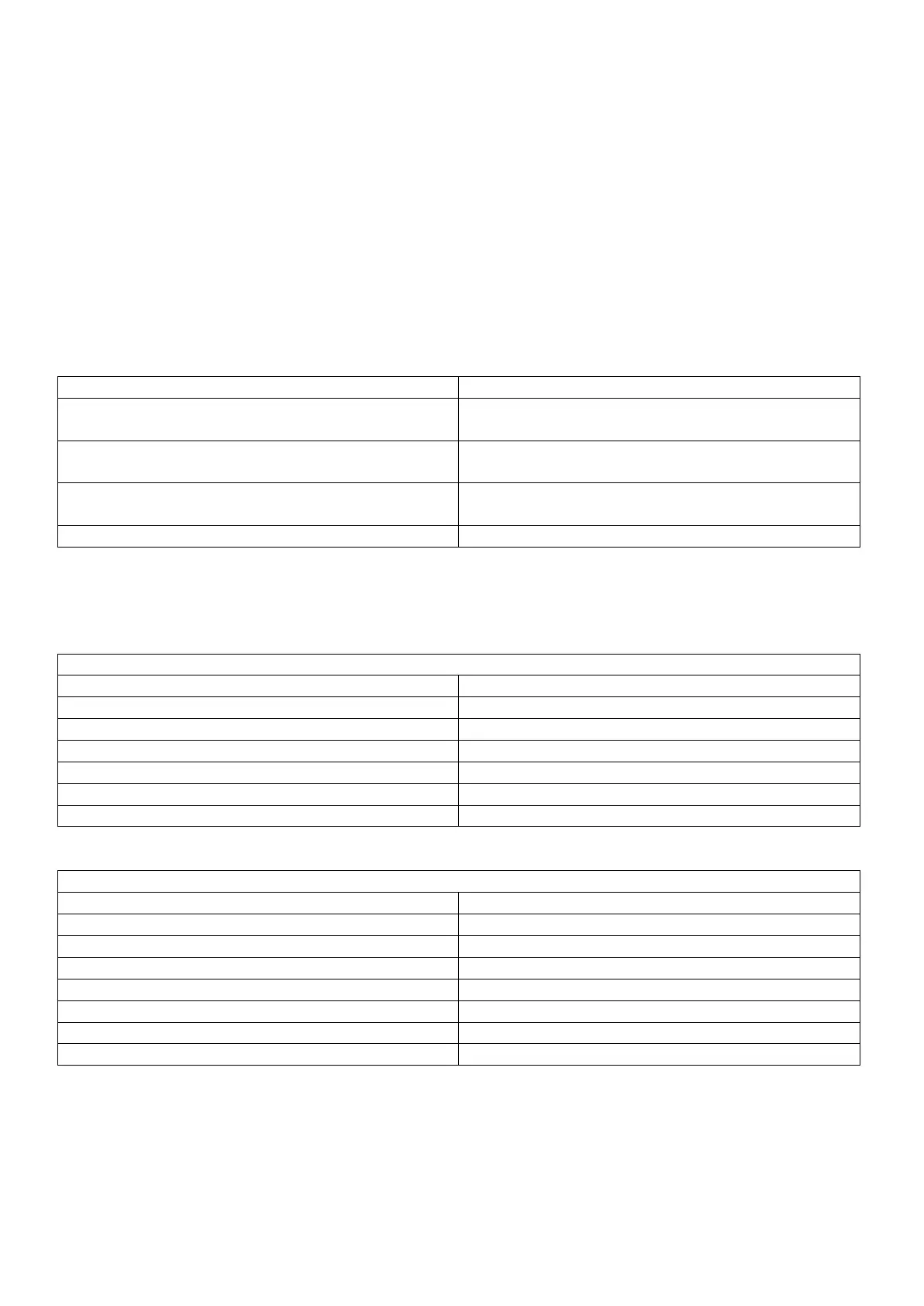
Set the boost time for period 1.
Setting 00:00 will disable this setting
Set the boost time for period 2.
Setting 00:00 will disable this setting
Set the boost time for period 3.
Setting 00:00 will disable this setting
Technical Specifications
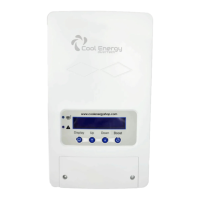
Cool Energy diverTech Solar Diverter
Cool Energy diverTech Wireless CT Sender
Upto 30m Indoor / 250m Outdoor


 To Next Page