6.0 Troubleshooting
Excessive ice formation in the
evaporator area
Too high ambient temperature
and/or relative humidity %
Install the appliance in an adapted
environment
The heating element may be
defective
Contact the seller or your local
service provider
Problem Possible Causes Solution
In case the malfunction is not caused by any of the above-mentioned factors or persists over a long
period of time or in order to order spare parts*, please contact the seller, your local service partner or get
in touch with our after-sales service: 1.866.864.5273
|
info@cooldisplaysolutions.com
*The minimum period during which spare parts, necessary for the repair of the appliance is 8 years
after placing the last unit of the model on the market.
IMPORTANT!
Secure loose parts and empty the drain of the appliance before moving it
into storage.
7.0 Taking the Appliance Out of Service
Empty the appliance’s contents and pull out the power plug.
Empty the appliance’s contents and pull out the power
plug. Remove the corrugate sleeve if present.
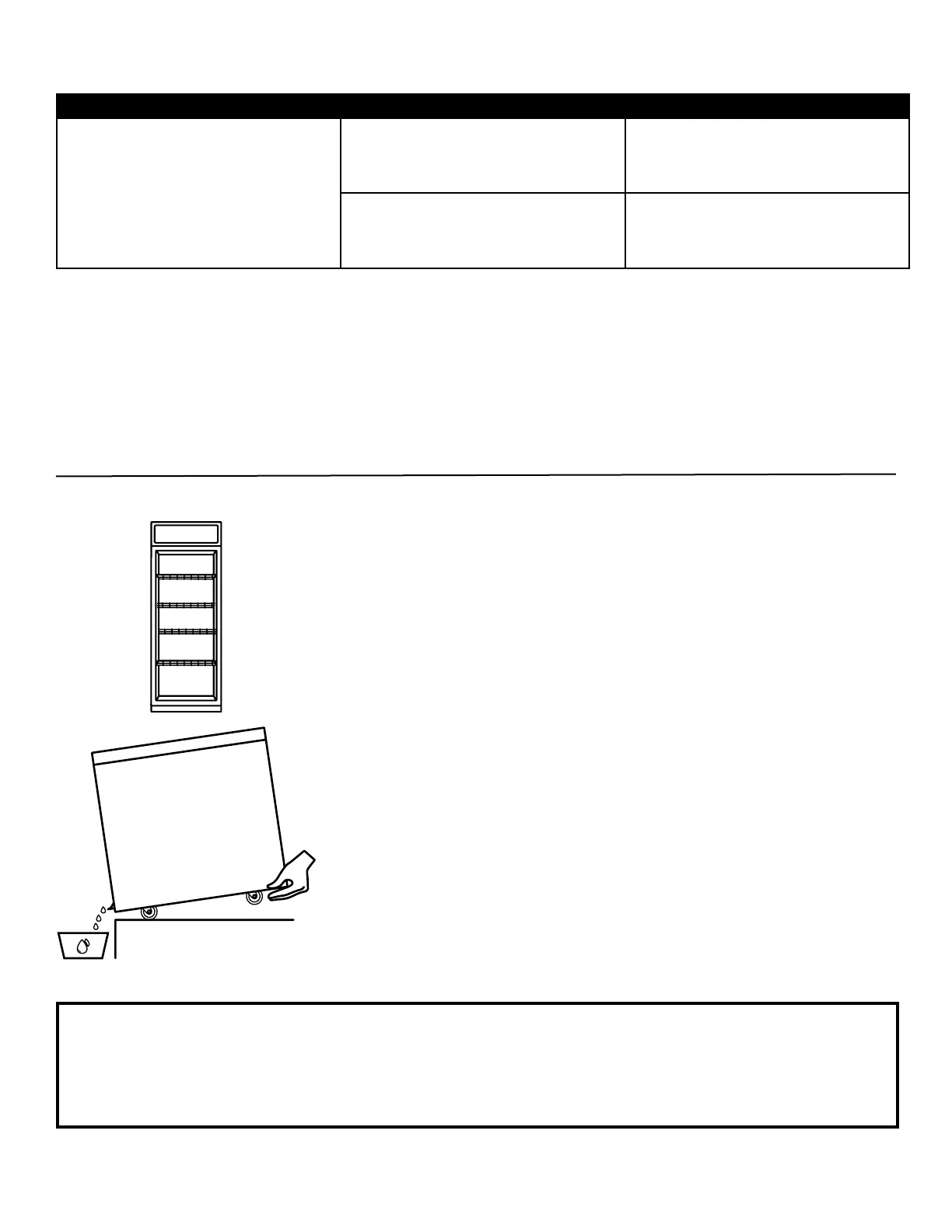
Release the brakes. Empty the appliance to the oor drain or
a water container by gently tilting the appliance backwards.
Make sure that the appliance is thoroughly cleaned and
dried. Thus mould formation and corrosion are prevented.
The appliance out of use may be dangerous for children,
therefore position the appliance in such manner that no
person can get locked up.
15



 To Next Page