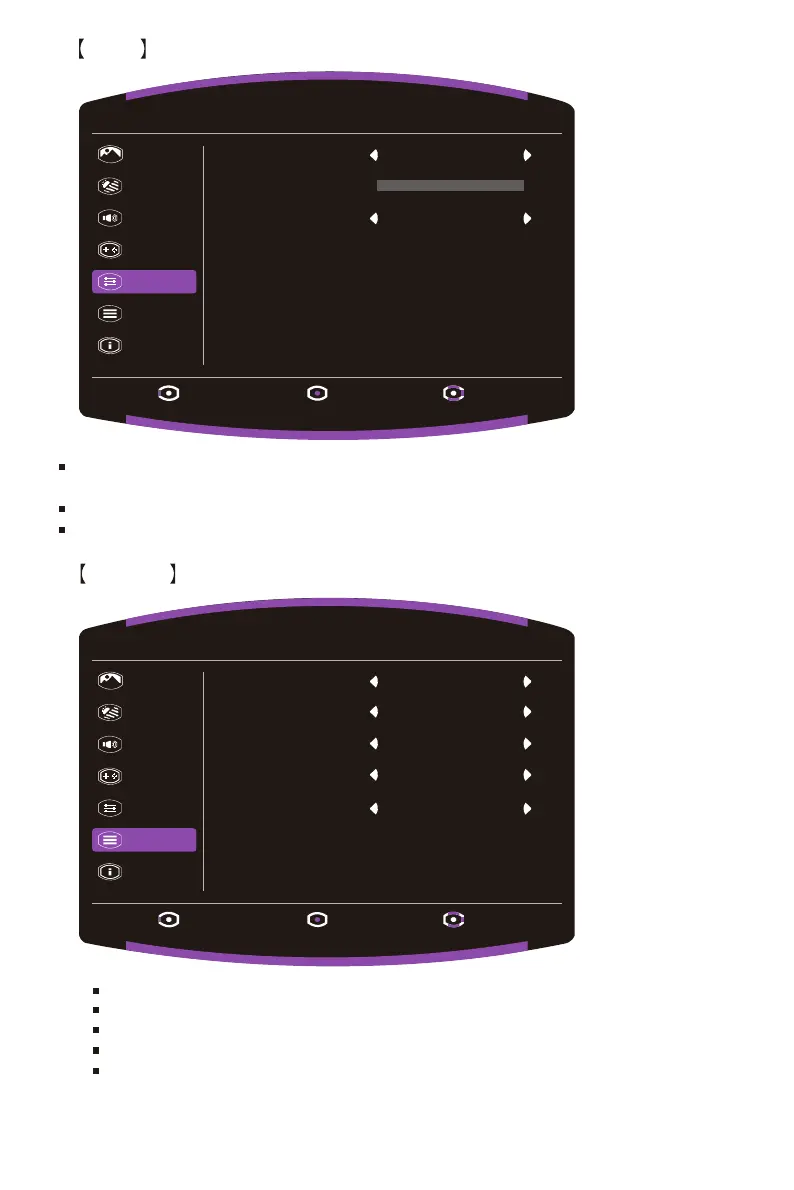
Language: English, Russian, German,French, Spanish, Italian, Finnish,Traditional Chinese,
Simplified Chinese, Japanese, Korean are available options.
OSD Timeout: Adjust the OSD Timeout setting value between 10 and 120.
OSD Background: Turn the OSD Background setting value between Off, 20%, 40%, 60% and 80%.
13
Input Select: Select the source from an available input sourc,including VGA and HDMI.
Auto Source: Automatically searches for available input sources.
Aspect Ratio: Full Screen and Aspect Screen mode can be selected.
DDC/CI: Turn the DDC/CI function On or Off.
Quick Start Mode: Turn the Quick Start Mode function On or Off.
OSD
System
Picture
Color
Audio
Gaming
OSD
System
Information
Exit Enter Move
1920 X 1080 @ 60Hz
Language English
OffOSD Background
10
OSD Timeout
Picture
Color
Audio
Gaming
OSD
System
Information
Exit Enter Move
1920 X 1080 @ 60Hz
Input Select HDMI
OffQuick Start Mode
Auto Source
On
Aspect Ratio
Full
DDC/CI
On















 To Next Page