12
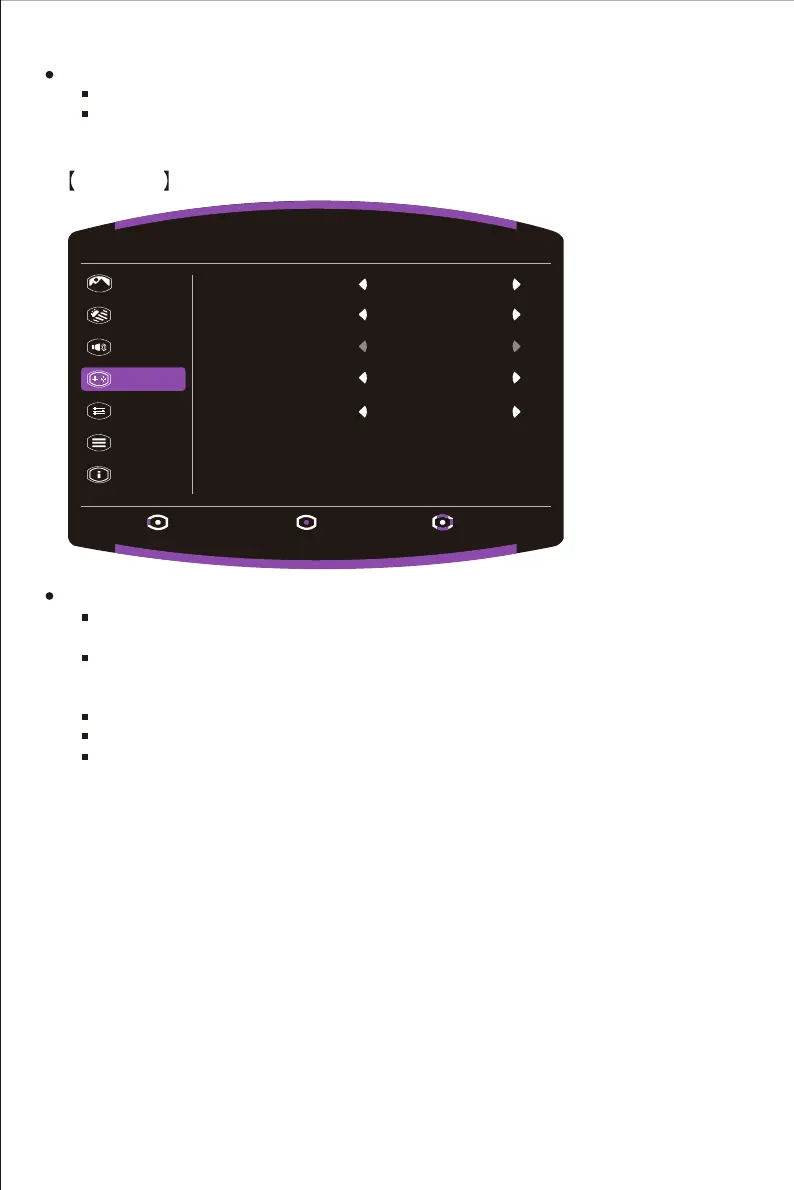
Go to the Gaming menu to adjust the desired Gaming mode.
Adaptive-Sync: Turn the Adaptive-Sync function On or Off.
*Enabling Adaptive-Sync may cause side effects like flicker due to the fluctuation of the
output frequency from graphics cards.
Over Drive: Off, Normal, Advanced modes are available options for speeding up the
response time.
Motion Clearness: MPRT setting with: Off or On as available options.
FPS Counter: Turn the FPS Counter function On or Off.
Crosshair: Off, Icon1, Icon2, Icon3 are available options turn the Crosshair position off
or adjust it.
Enter the Audio menu to adjust functions including Mute and Volume functions etc.
Volume: Adjust the volume value between 0 and 100.
Mute: Enable or disable the mute function.
*Adjust volume value level properly to avoid damaging hearing.
Gaming
Picture
Color
Audio
Gaming
OSD
System
Information
Exit Enter Move
1920 X 1080 @ 60Hz
Over Drive Normal
Off
Crosshair
Adaptive-Sync
On
Motion Clearness
Off
FPS Counter
Off















 To Next Page