6
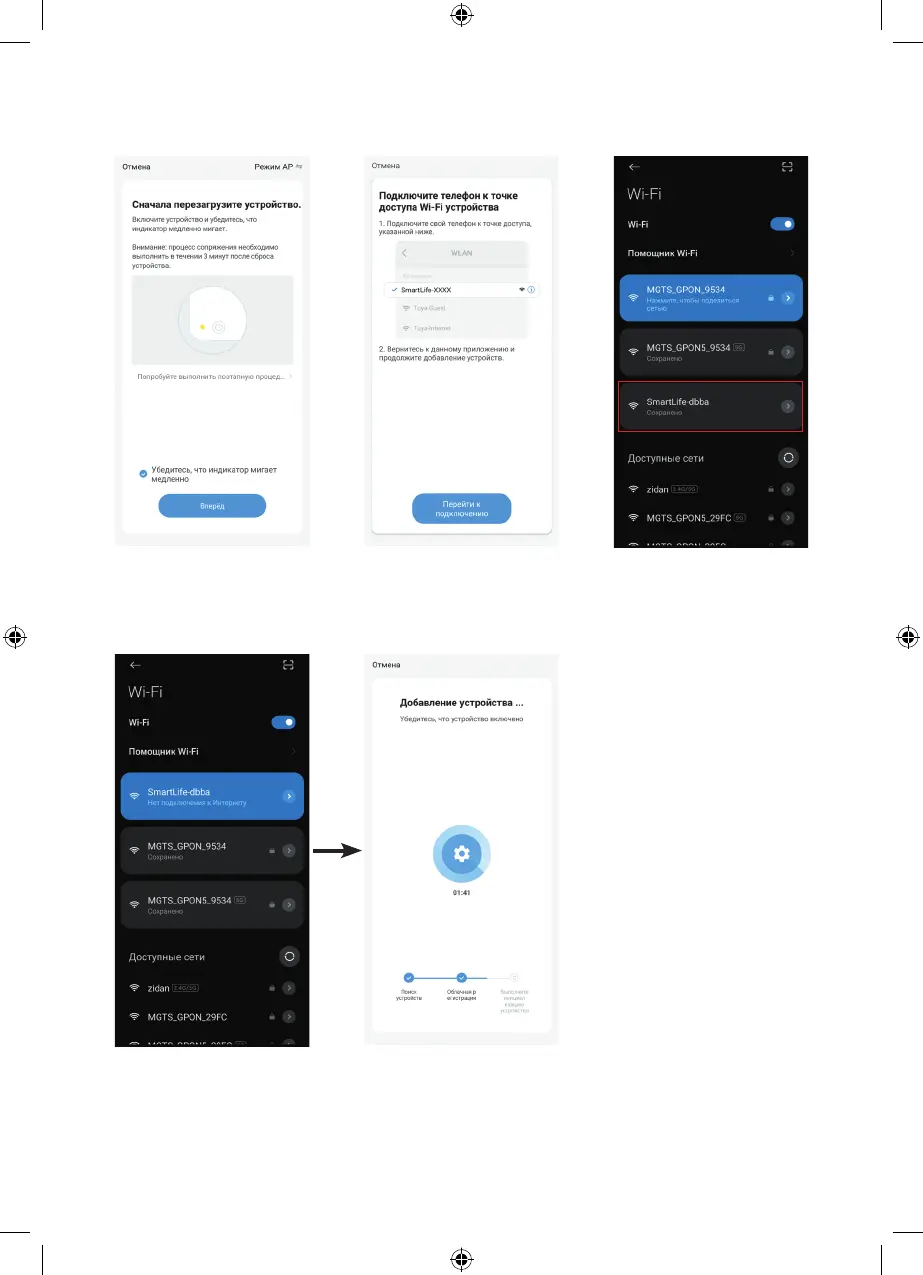
Step 19
Click «Next» to start the network
setup.
Step 20
Click «Go to Connection»
to connect to the Wi-Fi hotspot
called «SmartLife-XXXX».
Step 21
Click on the highlighted
«SmartLife-dbba» icon.
Step 22
The display will show the connection
status to the «SmartLife-dbba»
access point. Then go back to the
app by clicking on the arrow in the
upper left corner and you will see
that the connection is in progress.
After completing the process, the
device will be successfully added,
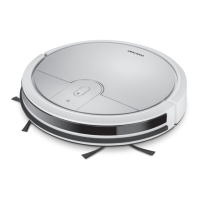
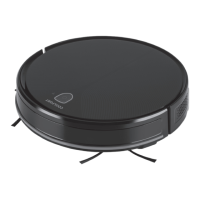
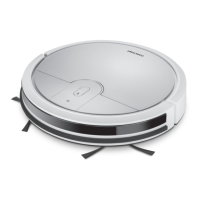
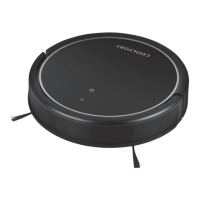
and the Coolfort CF-3201 robot
vacuum cleaner icon will appear on
the program’s home page.


 To Next Page