7
Step 23
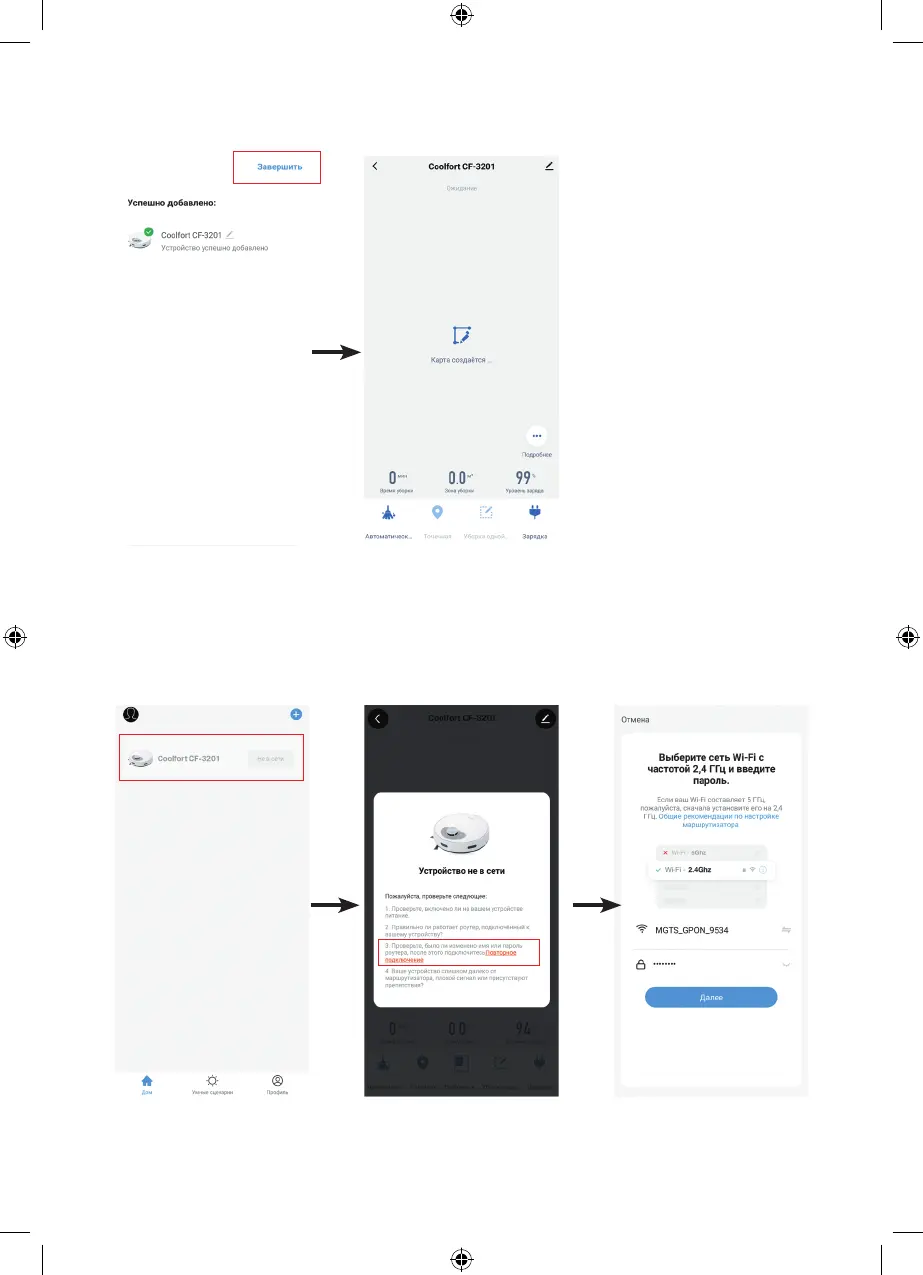
Click «Finish» in the upper right corner, and the robot control panel
will appear on the display.
Your smartphone is
successfully connected
to the Wi-Fi hotspot
of the vacuum cleaner
Note:
• To maintain the connection
to the mobile application, the
vacuum cleaner must be on
the charging station!
• When the vacuum cleaner
is placed on the charging
station (29), the device
automatically turns on, even if
it was previously turned off.
• If the vacuum cleaner is not on
the charging station, it will turn
off automatically if there are no
commands, if the waiting time
exceeds 30 minutes. In this
case, the connection to the
mobile application will be lost.
• If the device was not
successfully added, please
repeat steps 10-23.
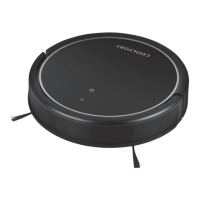
If for some reason the device has lost connection with the mobile application, the Coolfort CF-3201
robot vacuum cleaner icon on the app’s home page (will be displayed in a lightened form).
In this case, click on the highlighted icon of the «Coolfort CF-3201» vacuum cleaner and follow the
instructions of the mobile application. The next page will appear on the smartphone display, click
«Reconnect», the network selection page will appear on the display, select a Wi-Fi network with a frequency
of 2.4 GHz and enter the password to connect, then click «Next».


 To Next Page