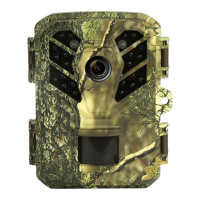
Preparing the Camera
■ Because some TV models and mini USB cables have poor
compatibility, it is recommended to use a TF card to view files.
■ When TV output, the monitor of the camera body will not display the
file.
2.8.2. Connecting the Camcorder to a PC by the USB Cable
1)Connect the camera to the computer via USB cable. Turn on the
camera,the screen will display“MSDC”.
2)Open [My Computer] or [Windows Explorer]. A"Removable Disk"
appears in the drive list. Double-click the "Removable Disk" icon to
view its contents. All files are stored in the folder named ”DCIM”.
3)Copy the photos or files to your computer.
Note:
Because the USB driver of some computers cannot recognize the
camera, if it is invalid, please use a card reader to read the file.
2.8.3. Using a Card Reader
1) Pop-up the memory card from the camera and insert it into a card
reader. Then connect the card reader to a computer.
2)Open [My Computer] or [Windows Explorer] and double-click the
removable disk icon that represents the memory card.
3)Copy image or video files from the memory card to your computer.


 To Next Page