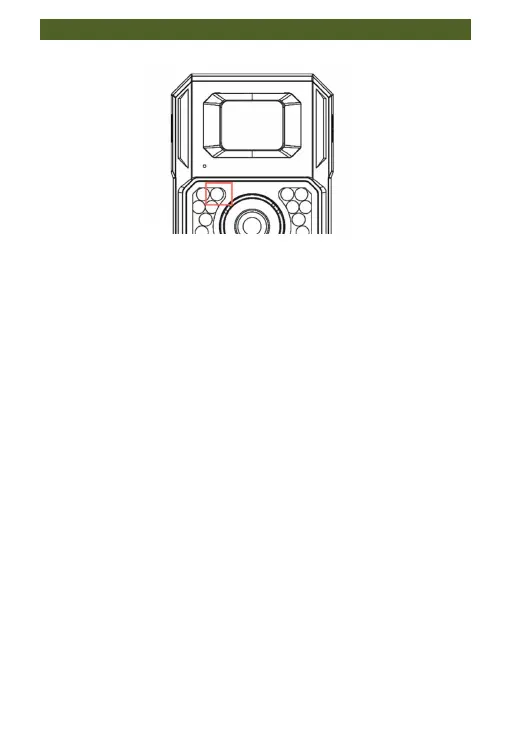
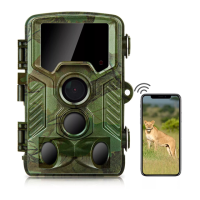
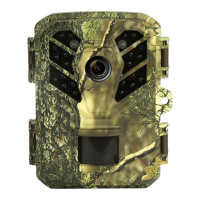
7.4. Notice Regarding the LED Indicator Light
About LED lighting
(1) When switching the power switch from OFF to TEST
mode, the left infrared light lights up blue, indicating that
the camera has started normally. At the same time, the
infrared light on the right side flashes red, indicating that
the PIR sensor is working properly.
(2) When you switch the power switch from TEST to ON
mode, the left infrared light will flash blue for about 10
seconds. Afterwards, the blue light goes out and the ON
mode is activated.
(3) When connecting to WiFi, the blue light flashes quickly.
After the WiFi connection is successful, jump to the App
and the blue light stays on. When you close the app, the
blue light will turn off.
(4) When connected to the Type-C port for charging, the
blue light flashes frequently (OFF mode). After charging is
completed, the blue light will stop flashing and stay on.
The battery power is 100% at this time. If the red light
flashes in TEST mode, the camera is in a low battery state.
In this case, please charge. (If the battery is insufficient, the
camera cannot connect to the APP)


 To Next Page