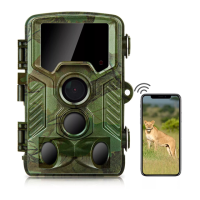
5. How to Connect The App with The Camera?
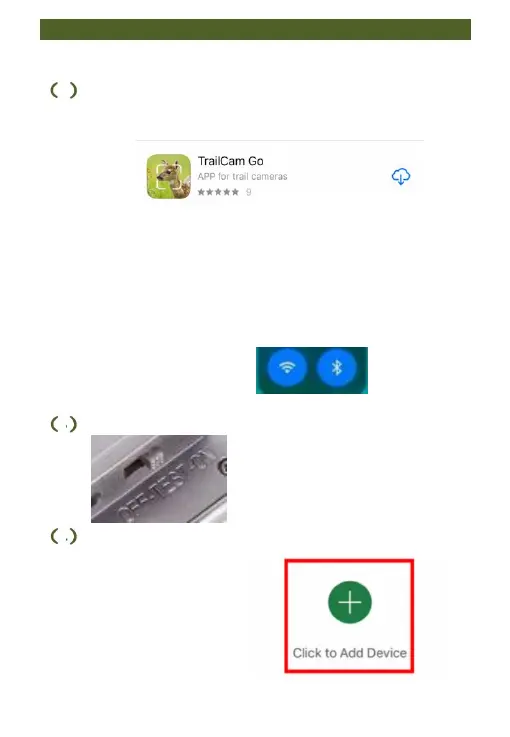
1 Search for and download the "TrailCam Go"
app from your smartphone's mobile app store.
Always pay attention to the following before
connecting the app and camera: Make sure the
distance between the app and the camera does not
exceed 20 meters. Make sure the batteries used
for the camera have sufficient power.
(2)Activate both the Wi-Fi and Bluetooth
3 Side the camera switch to TEST or ON mode.
4 Open the app and follow the in-app prompts
to establish a connection:
①
“Click to Add Device”


 To Next Page