6. How to Play Recorded Videos and Photos?
You can access your recorded media through the app or by
connecting the camera to your PC:
(1)Via the App
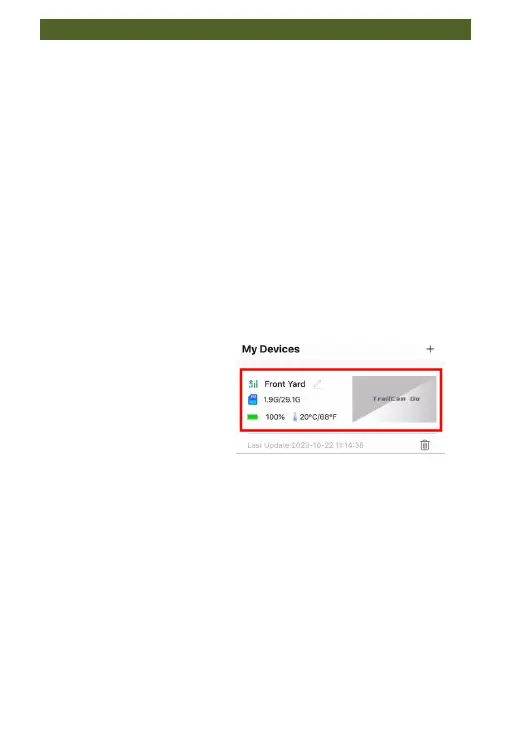
If you have previously successfully connected the camera
and the app, the steps for reconnecting are simplified:
Within the effective connection range of 20 meters
between the app and the camera. Turn on the Wi-Fi and
Bluetooth functions on your phone. Open the app, and
simply click on this window to access the operating page.
(2)Connecting to a PC
Connect the camera (with the memory card inside) to
your computer using the provided Type C USB cable.
The camera screen will display "MSDC."
Open "My Computer" or "Windows Explorer." A "U
Disk" will appear in the drive list. Double-click the "U
Disk" icon to access its contents.
Recorded videos and photos are located in the
"DCIM" -> " 100MEDIA" folder.
Download photos and videos to your computer.


 To Next Page