Please contact our billing department, Mon- Fri, 10AM - 4:30PM, one of the following
ways:
1. Text Message: (562) 372-6925 (This number receives text messages
only, not phone calls.)
2. Email: ar@human-i-t.org
3. Phone: (888) 268-6925
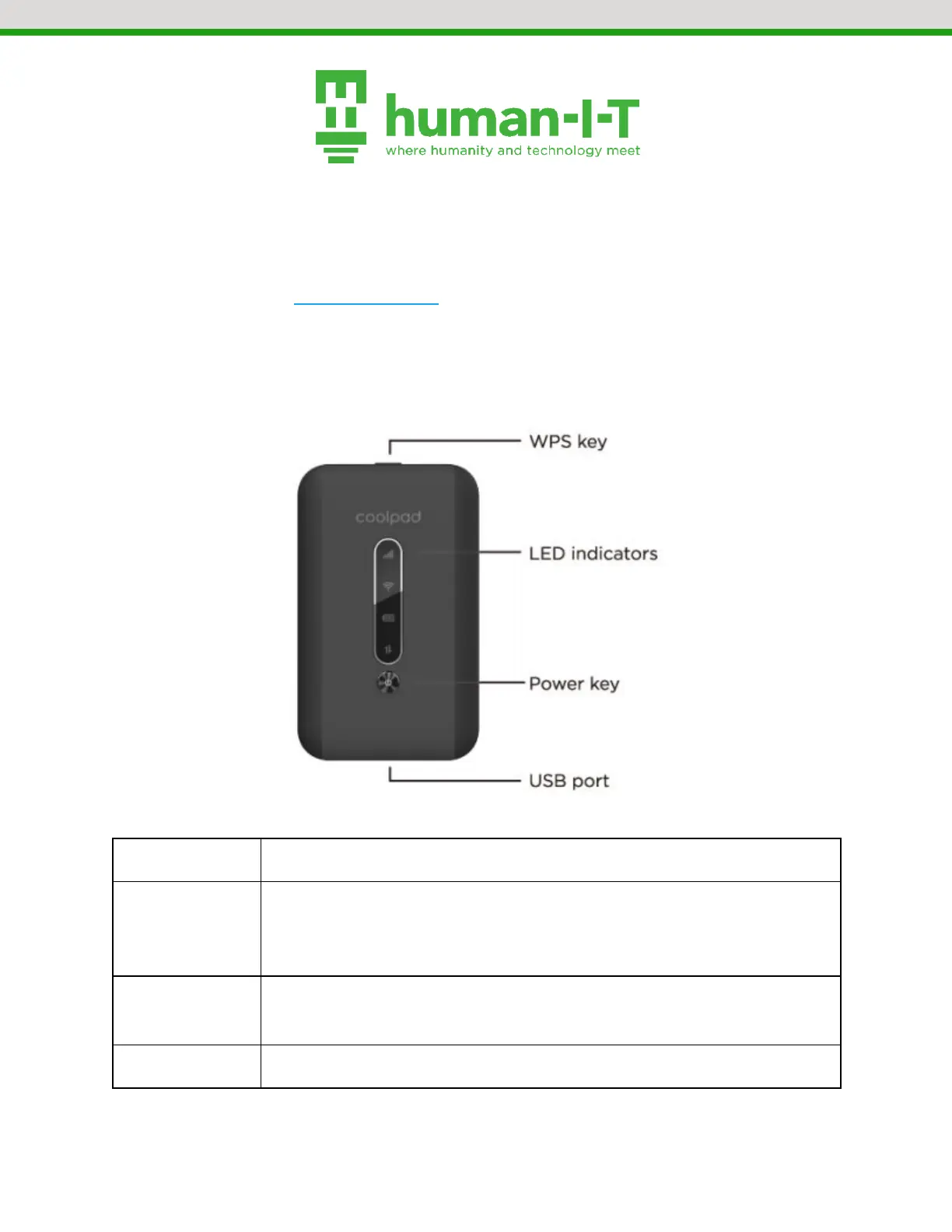
Getting To Know Your Hotspot
Press and hold for 3 seconds to activate the WPS function. When
activated, the Wi-Fi indicator will flash. If the network isn’t accessed
within 2 minutes, the WPS function will turn off automatically.
Displays the signal strength, Wi-Fi strength, battery charge level,
and the mobile data status.
Press and hold for three seconds to turn the hotspot on or off.


 To Next Page