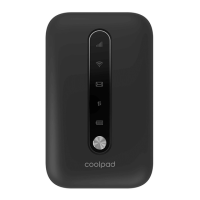
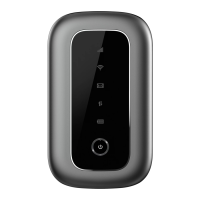
Use the included USB cable to recharge your hotspot.
Displays the current network status. A green light indicates a strong
network connection, a yellow light indicates a poor network
connection, and a red light indicates no connection, no SIM card,
or no service.
A green light indicates when Wi-Fi is connected.
Displays the battery status. A green light indicates a charge above
40%, a yellow light indicates a charge between 40% and 15%, and
a red light indicates a charge below 15%. The battery indicator will
flash if the battery is being recharged.
A green light indicates that the hotspot has mobile data service.
First-Time Setup
NOTE: The battery will need to be installed and the hotspot will need to be activated
once before use.
1. Remove the hotspot’s battery cover by lifting gently in the direction shown.
Page 4


 To Next Page