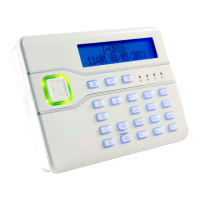
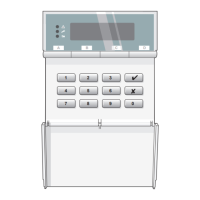
Press the number of the zone you want to
omit (for example, press 07 to omit zone
7) and then press .
If you try to omit a zone for which this is
not allowed, the display shows an "X"
after the zone number.
Note: To include a zone that was omitted, follow the same procedure.
Pressing
toggles between omit and include.
When you set the system after omitting some types of zones, a message asks
you to confirm that you want to omit the zone. Press to set the system with
the zone omitted.
The zone types for which a message is displayed are: Normal Alarm (NA), 24-
hour (24), Final Exit (FE), and Entry Route (ER)..
The zone types for which a message is not displayed are: Hold Up Alarm
(HUA), Fire (FR), Technical (TC), AC Fail (AC), Low Battery (LB), Battery
Fault (BF) and Fault (FL).
Key 3: Requiring User Code before Installer Code
You can specify that a user code must be entered before the installer code to
access the installer menu. This enables you to supervise installer activities.
When you turn user code on or off, the
keypad confirms with a double "beep".


 To Next Page