Need help?
Do you have a question about the Cooper Security M-Series and is the answer not in the manual?
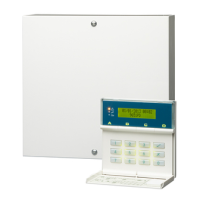
Provides an overview of the M-Series alarm systems, their electronics, and components.
Explains the concepts of zones (detection devices) and wards (grouped zones) in the alarm system.
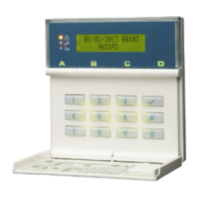
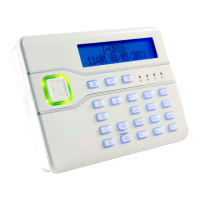
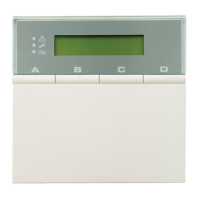
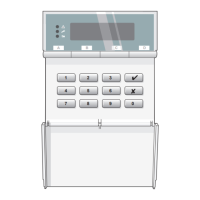
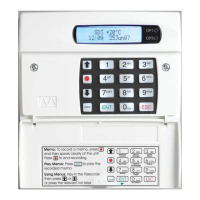
Details the features and components of the M-Series alarm system keypad, including display and keys.
Describes remote signalling via modem/ARC and system downloading using a PC.
Introduces initial operation, covering system access via user code or proximity tag and menu selection.
Guides users through the procedure for arming the alarm system, including entering codes and leaving the premises.
Explains how to select individual wards for partial setting of the alarm system.
Details how to set entire groups of wards simultaneously for partial system arming.
Provides instructions for exiting the premises after the system has been set.
Guides users on how to disarm the alarm system, either with or without an entry timer active.
Explains how to deselect specific wards when unsetting the alarm system.
Details how to unset entire groups of wards simultaneously.
Describes the procedure for silencing the sounders of an active alarm.
Explains how to reset the alarm system after alerts have occurred.
Outlines the process for obtaining and entering a remote reset code from an Alarm Receiving Centre.
Covers additional system functions such as special user codes and panic alarms.
Explains the meaning of various alert messages displayed by the system during operation or fault conditions.
Details other system messages, including service, relearn, and code tamper notifications.
Addresses procedures and responses when attempting to set the system with active zones.
Explains the procedure when the system is configured to display exit errors during setting.
Details the procedure when the system is configured to ignore exit errors during setting.
 General
| Brand | Cooper Security |
|---|---|
| Model | M-Series |
| Category | Security System |
| Language | English |

 To Next Page