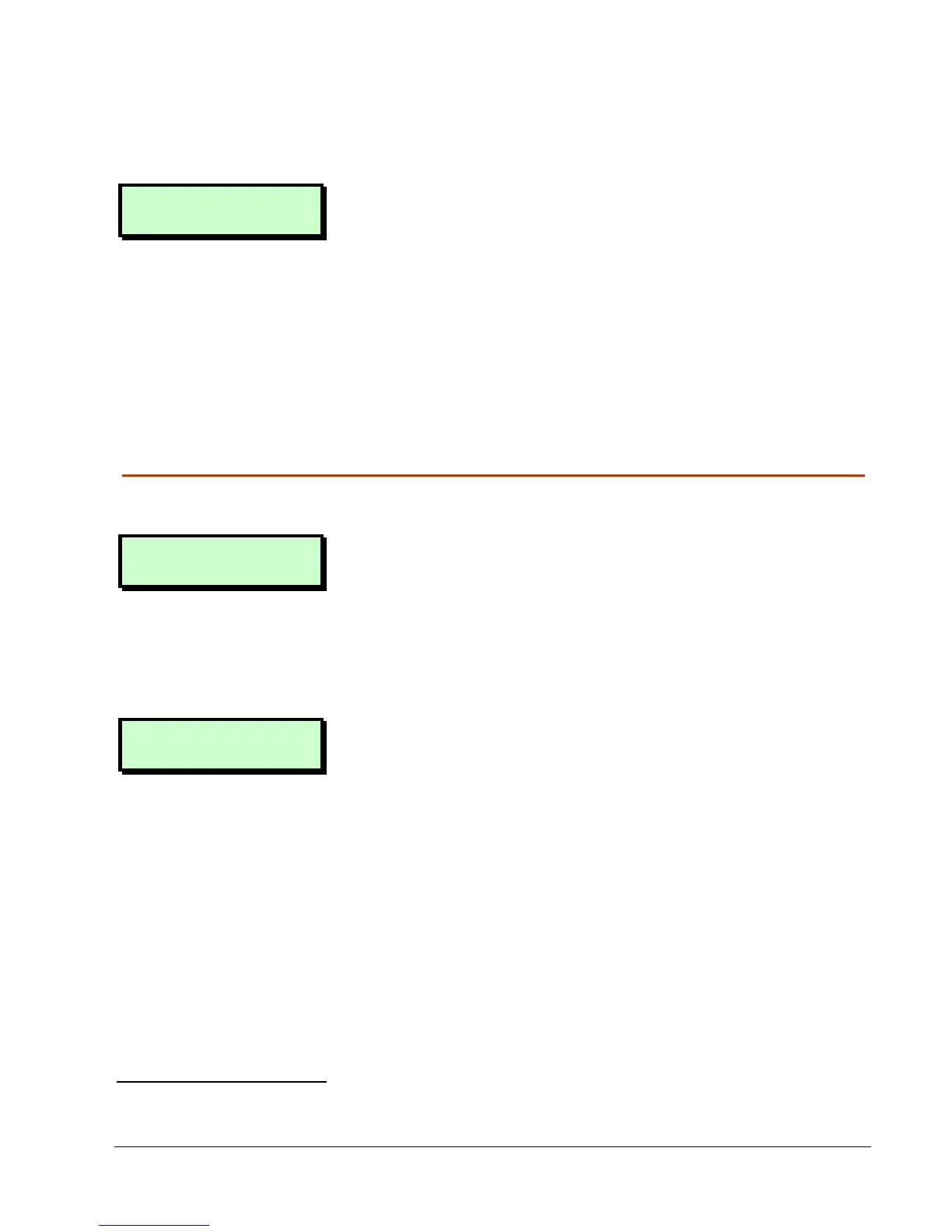
9
Alternatively, press a ward group hot
key
1
.
Setting Group 1
Press ENT To Set
2. Select the ward group you want to set
by pressing a number key (or scrolling),
then [. For example, press 2 then [
to set ward group 2.
The top line of the display shows the
group description
2
.
3. Leave the protected area (see below).
Leaving the Protected Area
When leaving the protected area:
Exit Now
Arming System
1. Leave via the designated exit route. The
internal sounder will sound if you have
not set silently.
2. Close the final door and press the exit
terminator button (if fitted).
17:31 Sun 01 JAN
3. When the internal sounder stops, the
system is set.
If the exit tone changes to an alarm
tone, see page 13.
1
Requires P.Set Hotkey
P.Set HotkeyP.Set Hotkey
P.Set Hotkey in Engineer option 1-9-1 to be set to YES
YESYES
YES
2
Customisable using User option 1-7-7


 To Next Page