10
Unsetting Your Alarm System
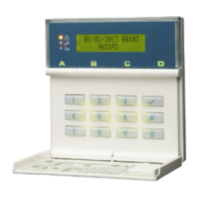
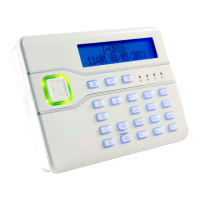
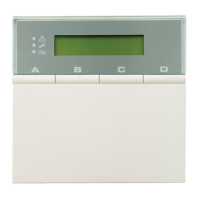
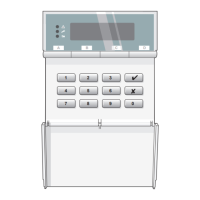
To unset the alarms system, go directly to
the keypad and follow the instructions in
one of the two sections depending on
whether the internal sounder is making a
sound.
If the internal sounder is making a sound:
If the internal sounder is making a sound:If the internal sounder is making a sound:
If the internal sounder is making a sound:
Please Unset
System
1. The internal sounder will sound and you
will see the message shown opposite if
you have started the entry timer
1
(e.g.
by triggering a detector that monitors
your Final Exit area). The sound will
continue until you have unset the
system.
2. Enter your user code or present your
proximity tag to the keypad.
If the entry timer was started, entering
your user code may be all you have to
do to unset the alarm system. If you are
prompted to unset wards, continue
from Selecting the Wards to Unset.
An alarm occurs if you do not enter a
code or present a tag before the entry
timer expires
2
.
1
Engineer option 1-5-1 or 1-8-3
2
External sounders may be delayed by 30 seconds if set in Engineer option 1-9-3


 To Next Page