4
About the Keypad
You can operate your alarm system from
one or more keypads located around the
premises.
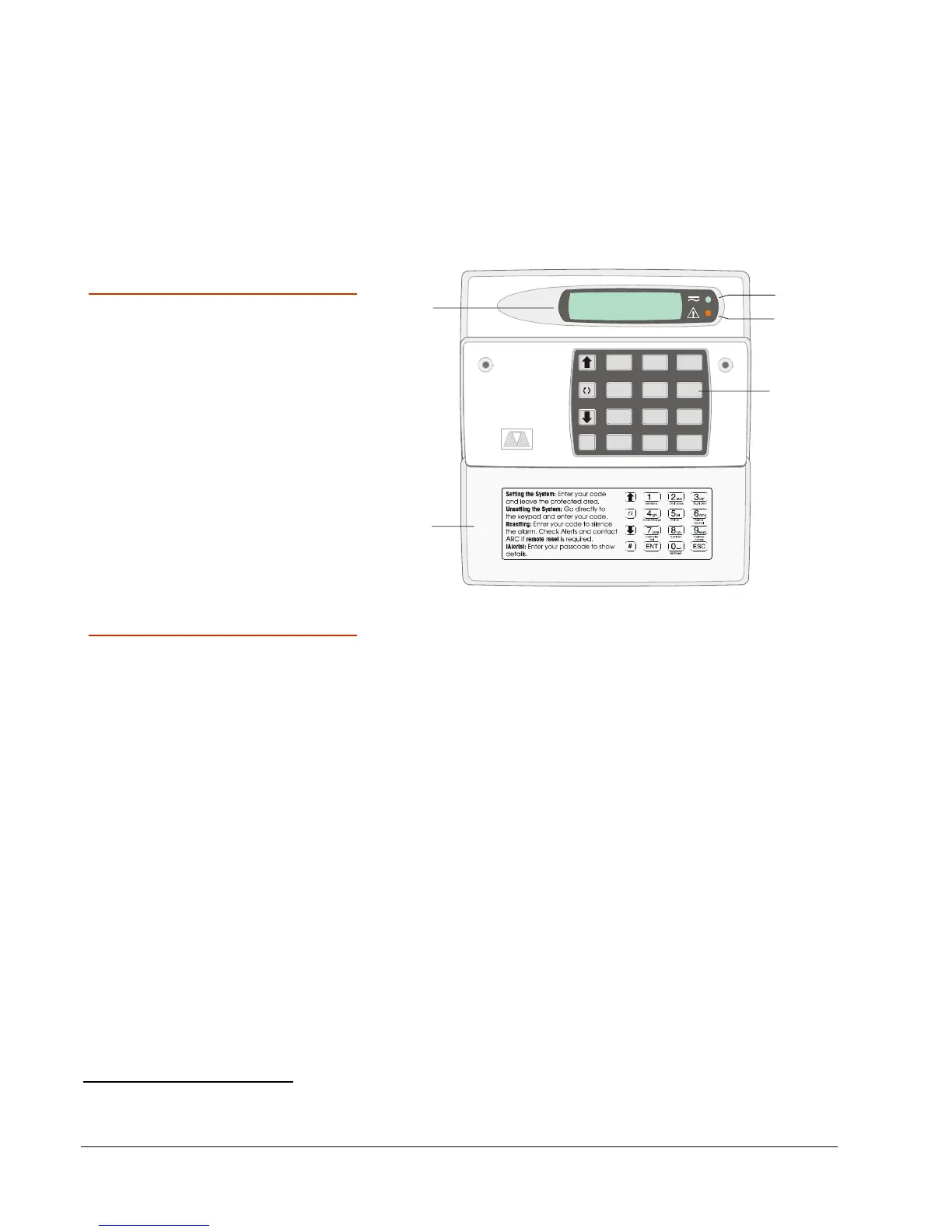
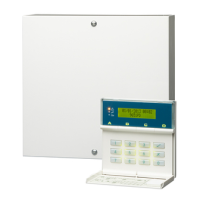
LCD Keypad
The keypad can be used
to set and unset the
alarm system, and also
to program and test it.
The information shown
on the display is referred
to throughout this guide.
The keypad may include
a proximity tag reader.
123
7
ENT
654
89
0
SYSTEM OPEN
17:30 Thu 01 Jan
ESC#
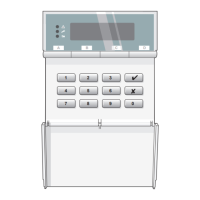
Keypad Features
1. Display:
Display:Display:
Display: Shows the date and time, a banner
message (configured by your alarm
company
1
) and other system messages.
2. Green power indicator:
Green power indicator:Green power indicator:
Green power indicator: Glows steadily when
power is present.
3. Function indicator:
Function indicator:Function indicator:
Function indicator: By default, this indicates
that there is more than one alert message to
reset (page 14).
The indicator can also be programmed by
an engineer
2
to show other conditions.
4. Keys:
Keys:Keys:
Keys: These are used to operate the system.
5. Cover:
Cover:Cover:
Cover: Folds down to reveal the keys.
1
Engineer option 1-7 or User option 1-7
2
Engineer option 1-4; by changing keypad output to follow an event other than "Pending"


 To Next Page