15
Press ENT
To Reset
4. You will see the message shown
opposite once you have reviewed
each message. Press [ to reset the
system.
The ALERTS message should not appear
again, unless:
•
••
•
The condition still remains (e.g. a mains
failure).
•
••
•
You need to call an engineer.
•
••
•
A remote reset code is required (see
below).
Obtaining a Remote Reset Code
RING A.R.C. FOR
REM. RESET CODE
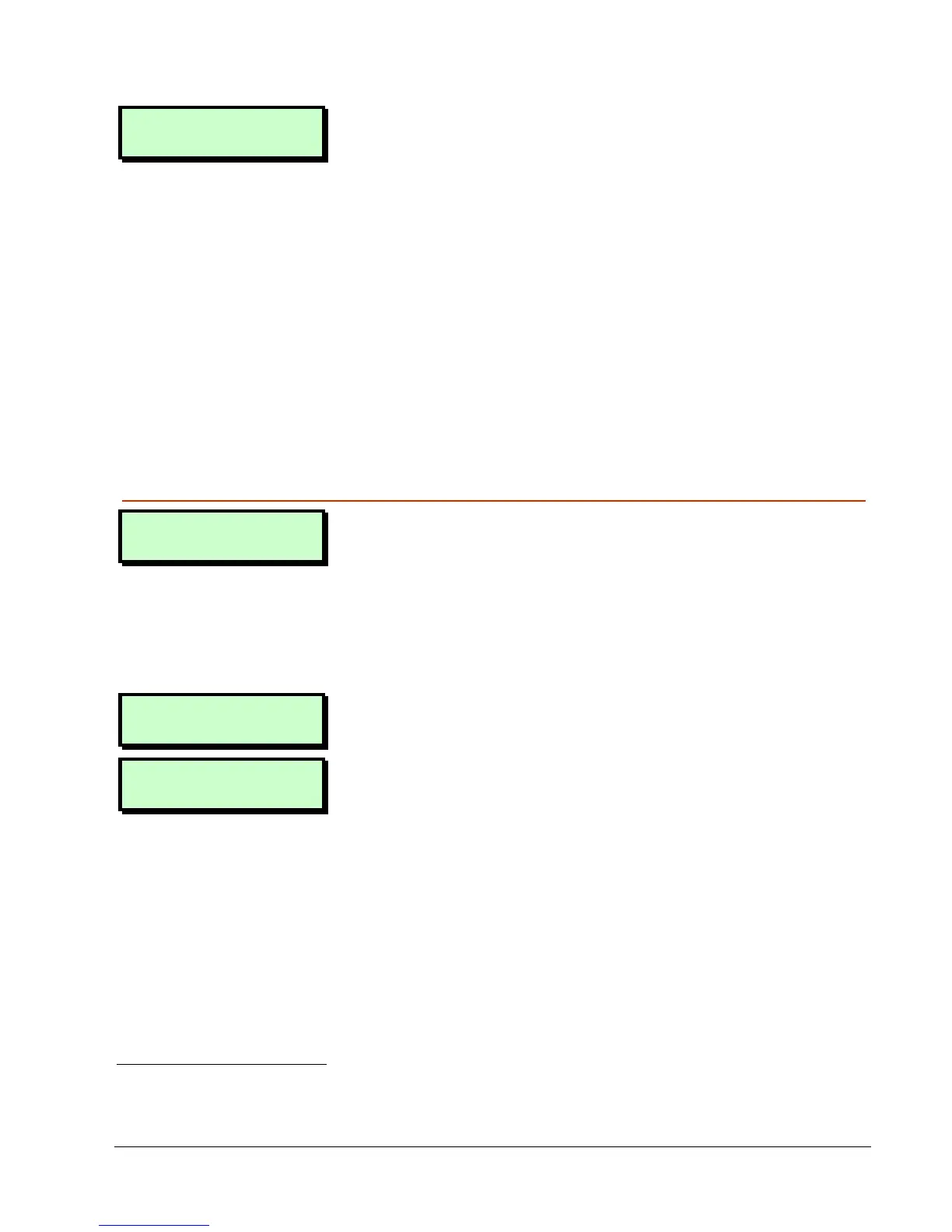
You will see the screen shown opposite if
there is an arrangement to obtain a remote
reset code from an Alarm Receiving Centre
(ARC)
1
.
To obtain and enter the remote reset code:
Press ENT
To Reset
1. Press [ at this message.
- REMOTE RESET –
Quote > 5820
2. Make a note of the displayed code.
The code may be 4 or 6 digits
2
.
The top line of the screen may have
been customised by your alarm
company
3
.
1
Engineer option 1-3-2
2
Engineer option 1-9-3
3
Engineer option 1-7


 To Next Page