12
Selecting the Wards to Unset
Your user code settings
1
determine the
wards you can unset and whether they
unset automatically.
Unset wards :-
Ward > **......
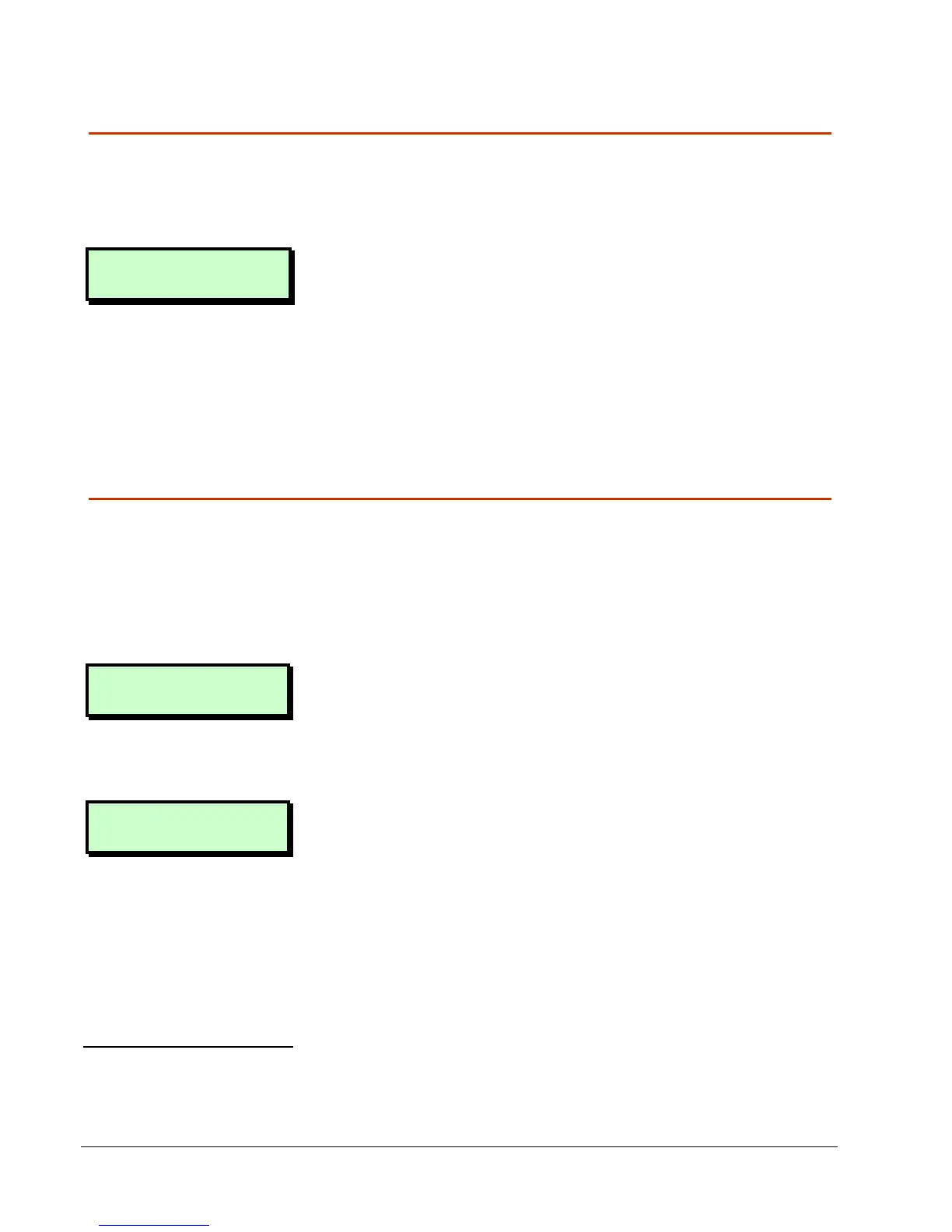
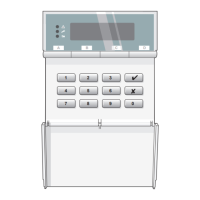
If you see the screen shown opposite, use
the numeric keys (e.g. 1) to select the
wards to unset, then press [. Any ward
numbers shown will be unset. (A “*”
indicates that the ward will not be unset,
and “.” Indicates that you have no access
to the ward.)
Selecting the Ward Groups to Unset
If wards have been allocated to groups
2
,
you can unset all wards in a group with one
operation.
To unset a ward group:
0=Unset System
[Ent]=User Level
1. At the screen shown opposite
(displayed only if you have not started
the entry timer), press r. Alternatively,
press a ward group hot key
3
.
Setting Group 1
Press ENT To Set
2. Select the ward group you want to
unset by pressing a number key (or
scrolling), then [. For example, press 2
then [ to unset ward group 2.
The top line of the display shows the
group description
4
.
1
User option 2-4-1
2
Engineer option 1-8 or User option 2-8
3
Requires P.Set Hotkey
P.Set HotkeyP.Set Hotkey
P.Set Hotkey in Engineer option 1-9-1 to be set to YES
YESYES
YES
4
Customisable in User option 1-7-7


 To Next Page