11
If there is no sound (you have not started the entry time
If there is no sound (you have not started the entry timeIf there is no sound (you have not started the entry time
If there is no sound (you have not started the entry timer):
r):r):
r):
1. Enter your user code or present your
proximity tag to the keypad.
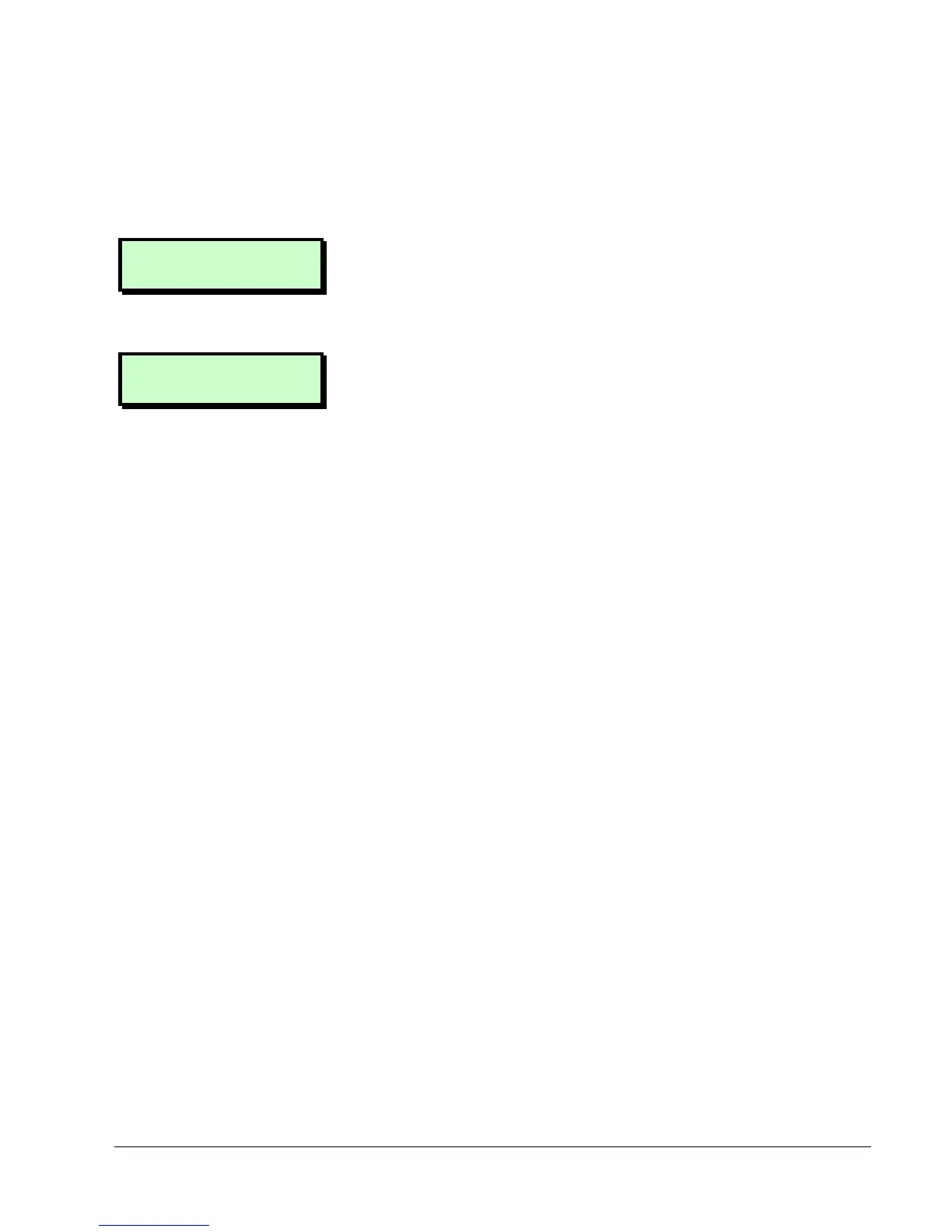
0=Unset System
[Ent]=User Level
0=Set Selection
[Ent]=User Level
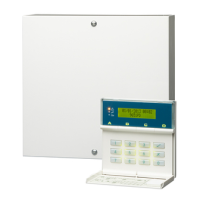
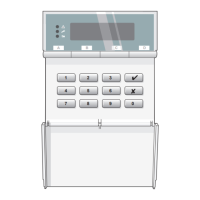
2. You will see one of the screens shown
opposite. You can now do one of the
following:
•
••
•
If necessary, scroll (| or ¬) to
display "0=Unset System", then press
0. If the system does not unset
automatically, continue from
Selecting the Wards to Unset (next
heading).
•
••
•
Press 0 at "0=Set Selection" – to set
wards that are not currently set.
Refer to the setting instructions for
further details (page 7).
•
••
•
Press r – to select a ward group to
unset. See Selecting the Ward
Groups to Unset (next page).
Pressing [ when “[ENT]=User Level” is
displayed takes you into the User
menus – see the Manager's Manual.


 To Next Page