4. Special Functions
Page 21
The keypad gives a double beep confirmation tone
and then displays the time and date:
To Delete a User With A Tag
Note: To delete a proximity tag from the system, you must delete the user (set
their access code to “0000”).
Key in the master user access code.
EITHER:
Key in “001” and then press .
Press repeatedly until the display shows the user
number of the code you want to delete:
Press .
The display shows (for example):
go to step 5.
OR:
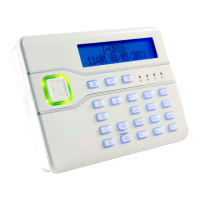
Present the tag you wish to delete to the front of the
keypad.
The display shows, for example:
The keypad gives a double beep confirmation tone
and then displays the time and date:


 To Next Page