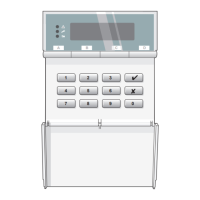
Testing i-on16
Page 60
View Log
The control unit keeps a log of the last 250 events (for
example, alarms and setting/unsetting). You can read the
log when the system is completely unset.
1. Enter the Installer Menu and select View Log.
The display shows you the most recent log event.
2. Press u or n to scroll through the log.
n shows earlier events.
u shows more recent events.
3. Press > to see details of the time and date for a
particular event.
4. Press X when you have finished reading the Log.


 To Next Page