EM 8070 operator’s manual
Imbalance display in grams/ounces
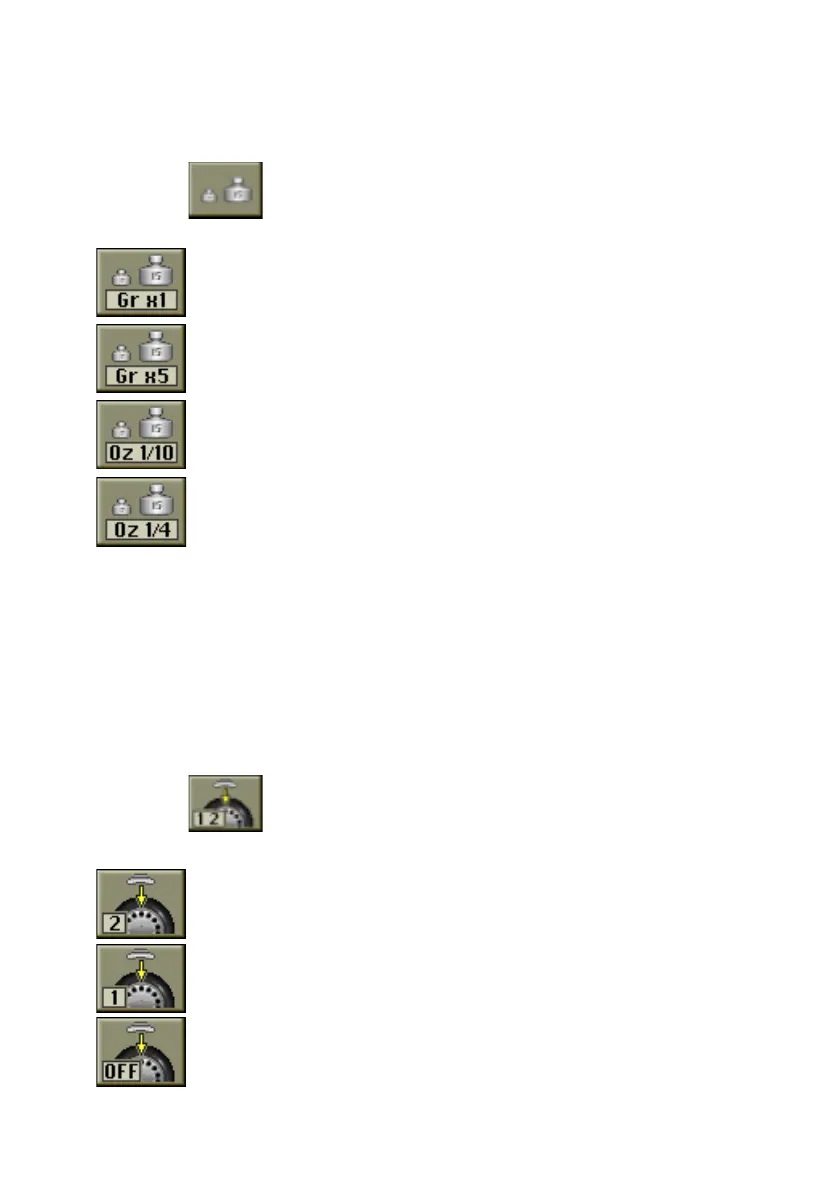
This sets the unit of measurement (grams or ounces) and the rounding (x1, x5 o x1/
4, 1/10) with which the imbalance values are displayed.
After the list of setting programs has been displayed, proceed as follows:
- select the
Imbalance unit of measurement setting icon.
The following icons appear on the screen:
Set grams x1; displays the imbalance values gram by gram;
Set grams x 5; displays the imbalance values 5 grams by 5 grams;
Set tenths of an ounce; displays the imbalance values in steps of one
tenth of an ounce;
Set quarters of an ounce; displays the imbalance values in steps of a
quarter of an ounce.
- Select the display mode desired and press the Kis knob.
After the selection, the new setting is memorised and the image of the imbalances
reappears on the screen.
Automatic position search setting
Enables/disables and sets automatic positioning of the wheel at the end of the spin.
The user can set the maximum number of attempts for automatic search for the
position for application of the balancing weights.
After displaying the list of setting programs, proceed as follows:
- select the
Set automatic position search (RPA) icon.
The following icons appear on the screen:
Set RPA2; enables the procedure for wheel positioning with error
correction; if the first attempt is not successful, the wheel will be
rotated again;
Set RPA1; enables the rapid wheel positioning procedure;
Disable RPA; disables the wheel positioning procedure.
Грузик - все для шиномонтажа www.gruzik.com.ua



 To Next Page