EM 8070 operator’s manual
GB
- Select the desired setting and press the Kis knob.
After selection, the new setting is memorised and the image of the imbalances
reappears on the screen.
Clamping type
This sets the type of blocking system used on the balancing machine: manual (STD)
or pneumatic (Q.L.).
This setting is used to provide the data bank with the correct information.
After displaying the list of setting programs, proceed as follows:
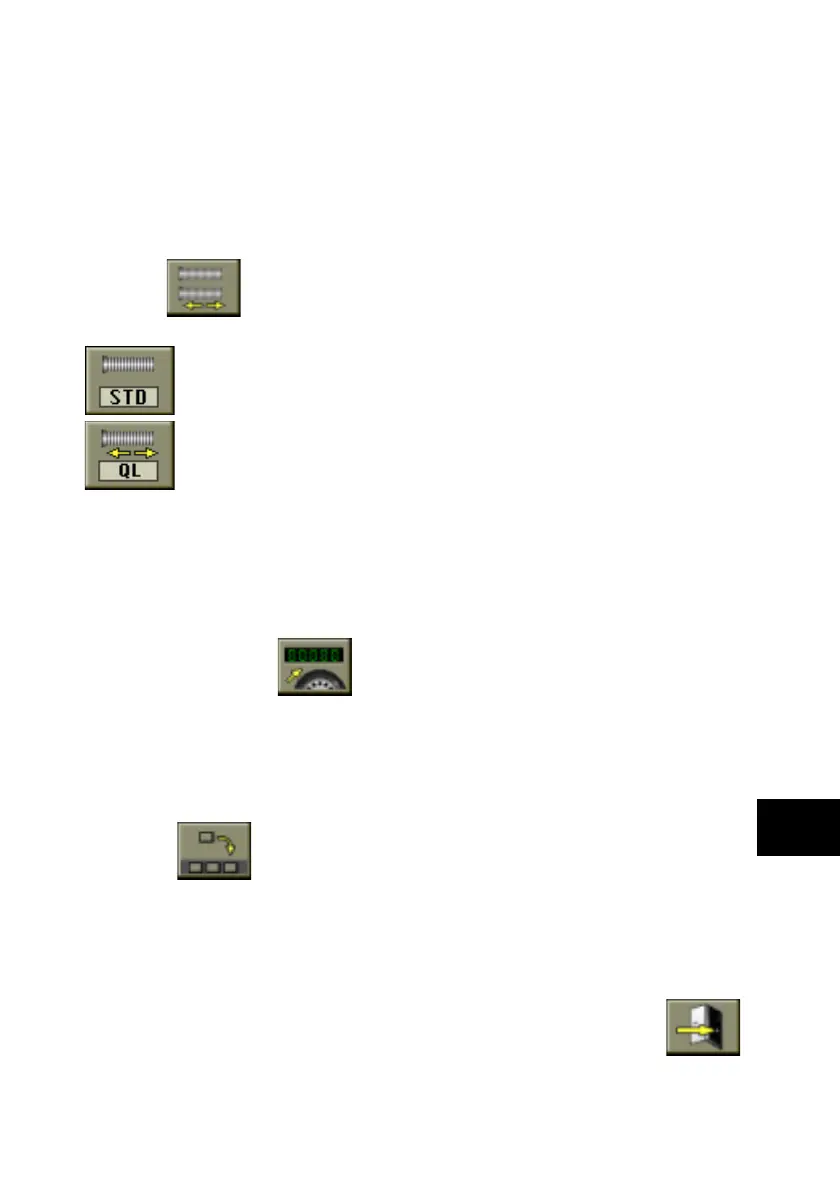
select the
Set clamping type icon.
The following icons appear on the screen:
Set manual clamping; enables the data bank information relating to
manual wheel clamping;
Set Quick Lock clamping; enables the data bank information relating to
quick (pneumatic) wheel clamping.
- Select the icon relating to the equipment on the balancing machine
and press the Kis knob.
After the selection, the new setting is memorised and the image of the imbalances
reappears on the screen.
Number of spins
The icon of reference is Modify spin counters.
Function not available.
Setting preferential programs
This function allows the user to set three icons of his choice in the main icons bar.
After displaying the list of setting programs, proceed as follows:
- select the
Set preferential programs icon;
- the screen shows the list of all the utility program icons (see this chapter for the
functions of the individual icons);
- select the three icons in the order in which they are required to appear, from left
to right;
- the system exits from the program on selection of the third icon.
To exit from the program without changing the current settings, select the
Exit icon.
Грузик - все для шиномонтажа www.gruzik.com.ua



 To Next Page