EasyManua.ls Logo

Cormach MEC 20 - User Manual

Default Icon
39 pages
Print Icon
To Next Page IconTo Next Page
Loading...
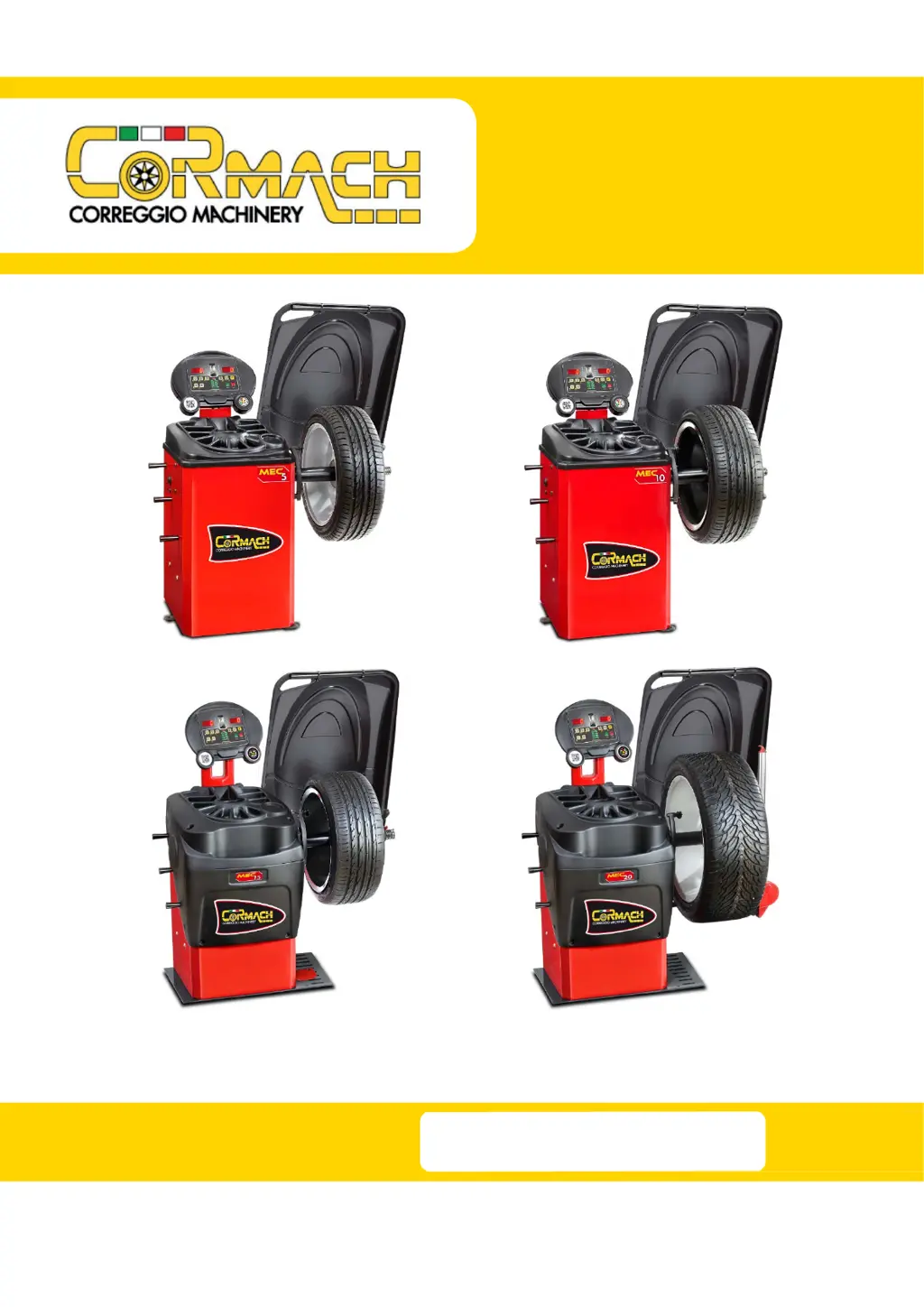
WHEEL BALANCERS
MEC 5 MEC 10
MEC 15 MEC 20
TECHNICAL SUPPORT
MANUAL
UK

Table of Contents

Questions and Answers

  • V
    Victoria TaylorAug 8, 2025
    What to do if the VFC value is not in range on Cormach MEC 20 Wheel Balancers?
    • T
      Tyler HarperAug 8, 2025
      If the VFC value is not within the range of 40.0 ÷ 44.0, and the displayed values are too high, too low, or zero, especially when the machine is knocked, it could be due to several reasons: * The connection cable might not be properly welded to the pick-up. In this case, weld the cable to the pick-up. * The connection cable might not be correctly connected to the CPU. So, check the correct connection of the pick-up cable to the CPU. * The pick-up might be too compressed. If so, remove the compression springs and ensure the pick-up moves freely.
  • S
    Sherry WrightAug 12, 2025
    Why aren't the sensors detecting wheel dimensions on my Cormach MEC 20?
    • T
      Tiffany RoachAug 12, 2025
      If the sensors on your Cormach Wheel Balancers are failing to detect the wheel dimensions, there could be a few reasons: * The sensors might be deactivated. If this is the case, reactivate the sensors. * There might be an interruption in the sensor cable, so replace the interrupted cable. * The sensor board might be burnt. If the sensor calibration program doesn't display the calibration values, replace the sensor board.
  • M
    marysmithAug 18, 2025
    How to fix a Cormach MEC 20 Wheel Balancers that won't switch on?
    • S
      Shelley LeonAug 18, 2025
      If your Cormach Wheel Balancers machine does not switch on, here are a few things you can check: * Check the fuse on the socket and replace it if necessary. * Check the power supply and replace it if needed. * Check the power supply board and replace it if necessary.
  • J
    Jessica JensenAug 23, 2025
    Why is my Cormach Wheel Balancers shaft not rotating correctly?
    • G
      Gabriel BooneAug 23, 2025
      If your Cormach Wheel Balancers machine isn't reading all positions (0 ÷ 255), the shaft doesn't stop rotating, or it only performs a half-turn before stopping, it could be due to: * A dirty encoder disc. Clean the encoder disc. * An interrupted encoder disc cable. Replace the board and then the cable. * A burnt encoder board. Replace the board and then the cable.
  • M
    Ms. Shannon Wright DVMAug 27, 2025
    What to do if one or more keys failed on Cormach MEC 20 Wheel Balancers?
    • K
      Karen HubbardAug 27, 2025
      If one or more keys have failed on your Cormach Wheel Balancers, it may indicate a burnt CPU board. Replace the CPU board.
  • M
    Miranda HuffSep 1, 2025
    Why are segments failing to switch on my Cormach Wheel Balancers?
    • K
      Kimberly MilesSep 1, 2025
      If one or more segments fail to switch on your Cormach Wheel Balancers, it may be because the CPU board is burnt. Replace the CPU board.

Summary

Service Mode

Test Program Menu Access

ENC ENCODER Disc Test

Tests the ENCODER disc functionality and readings for proper operation.

RPM Shaft Rotation Speed Test

Measures and verifies the shaft's rotation speed in Revolutions Per Minute (RPM).

SIG Pick-up Signals Test

Evaluates the accuracy and consistency of the pick-up sensor signals.

Menu Parameters Access

Pick-up Spring Pre-Charge Regulation

Acquisition Devices Calibration Menu

DIA Diameter Sensor Calibration

Provides the procedure for calibrating the diameter sensor.

LAR Width Sensor Calibration

Details the steps for calibrating the width sensor.

Machine Calibration

CAR;SUV Wheel Type Calibration

Details the calibration procedure for car and SUV wheels.

MOTO Wheel Type Calibration

Details the calibration procedure specific to motorcycle wheels.

Error Codes and Warnings

Troubleshooting

Cormach MEC 20 Specifications

General IconGeneral
Rim diameter10"-24"
Max. wheel weight65 kg
Balancing accuracy± 1 g
Rim width1.5" - 20"
Power Consumption0.2 kW
Power Supply230V 50/60Hz

Related product manuals