EasyManua.ls Logo

Cormach MEC 5 - User Manual

Cormach MEC 5
39 pages
Print Icon
To Next Page IconTo Next Page
Loading...
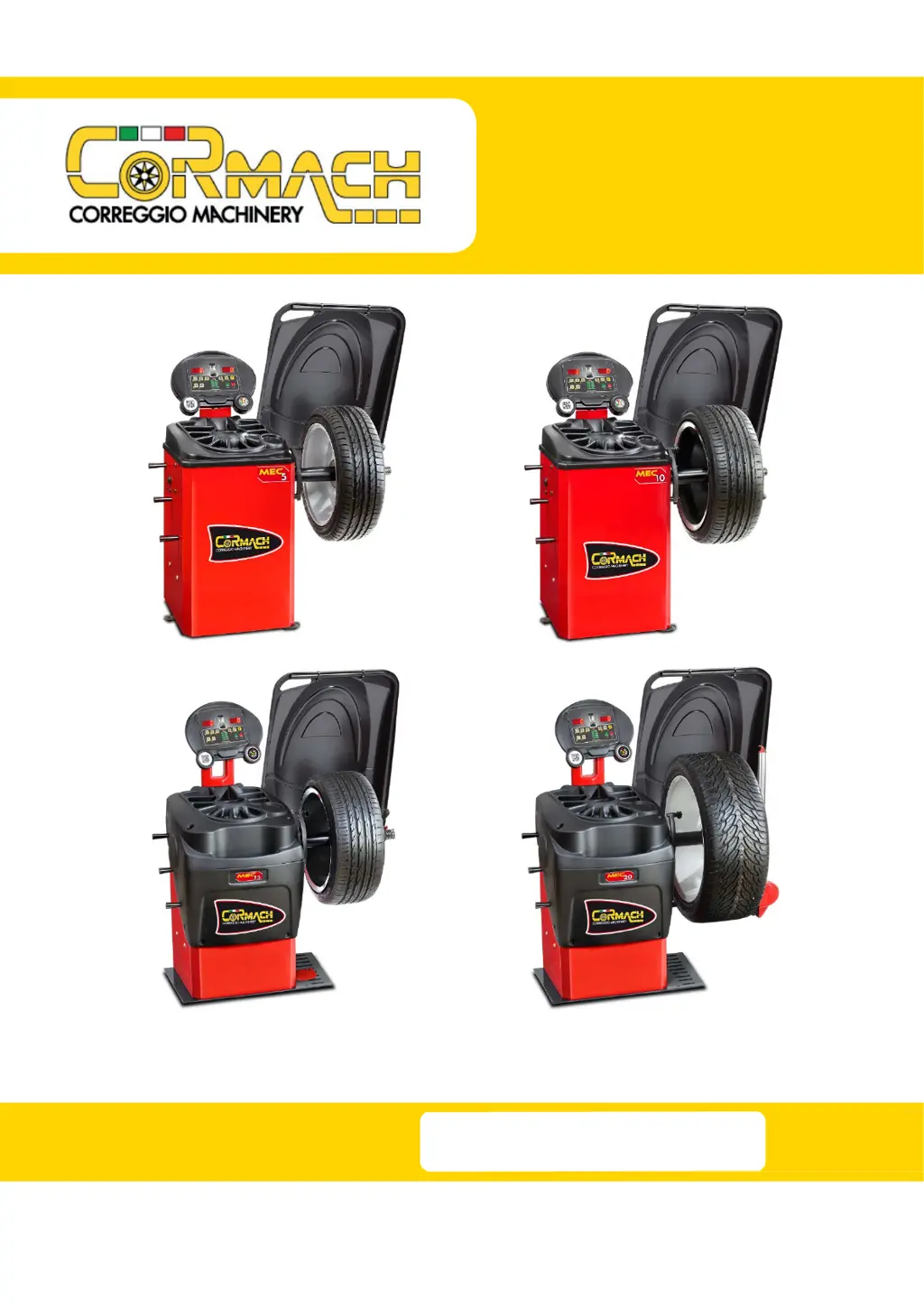
WHEEL BALANCERS
MEC 5 MEC 10
MEC 15 MEC 20
TECHNICAL SUPPORT
MANUAL
UK

Table of Contents

Questions and Answers

  • M
    Megan BarrettAug 3, 2025
    What to do if the VFC value is not in range on Cormach MEC 5 Wheel Balancers?
    • M
      Melissa ShortAug 3, 2025
      If the VFC value is not within the range of 40.0 ÷ 44.0, and the displayed values are too high, too low, or zero, especially when the machine is knocked, it could be due to several reasons: * The connection cable might not be properly welded to the pick-up. In this case, weld the cable to the pick-up. * The connection cable might not be correctly connected to the CPU. So, check the correct connection of the pick-up cable to the CPU. * The pick-up might be too compressed. If so, remove the compression springs and ensure the pick-up moves freely.
  • P
    pbarnesAug 8, 2025
    Why aren't the sensors detecting wheel dimensions on my Cormach MEC 5 Wheel Balancers?
    • B
      brodriguezAug 9, 2025
      If the sensors on your Cormach Wheel Balancers are failing to detect the wheel dimensions, there could be a few reasons: * The sensors might be deactivated. If this is the case, reactivate the sensors. * There might be an interruption in the sensor cable, so replace the interrupted cable. * The sensor board might be burnt. If the sensor calibration program doesn't display the calibration values, replace the sensor board.
  • A
    Amber RodgersAug 13, 2025
    How to fix a Cormach Wheel Balancers that won't switch on?
    • V
      Vicki ReedAug 13, 2025
      If your Cormach Wheel Balancers machine does not switch on, here are a few things you can check: * Check the fuse on the socket and replace it if necessary. * Check the power supply and replace it if needed. * Check the power supply board and replace it if necessary.
  • P
    Patrick GomezAug 18, 2025
    Why is my Cormach MEC 5 shaft not rotating correctly?
    • L
      Laura HarrisonAug 18, 2025
      If your Cormach Wheel Balancers machine isn't reading all positions (0 ÷ 255), the shaft doesn't stop rotating, or it only performs a half-turn before stopping, it could be due to: * A dirty encoder disc. Clean the encoder disc. * An interrupted encoder disc cable. Replace the board and then the cable. * A burnt encoder board. Replace the board and then the cable.
  • T
    Timothy LyonsAug 23, 2025
    What to do if one or more keys failed on Cormach MEC 5?
    • A
      Andrew HarmonAug 23, 2025
      If one or more keys have failed on your Cormach Wheel Balancers, it may indicate a burnt CPU board. Replace the CPU board.
  • R
    Ryan BarrAug 28, 2025
    Why are segments failing to switch on my Cormach MEC 5 Wheel Balancers?
    • C
      Candace EdwardsAug 28, 2025
      If one or more segments fail to switch on your Cormach Wheel Balancers, it may be because the CPU board is burnt. Replace the CPU board.

Summary

Test Program Menu Access

Encoder Disc Reading Test

Verify the encoder disc's reading from 0 to 255.

Shaft Rotation Speed Test

Measure the shaft rotation speed in RPM.

Pick-up Signals Test

Test pick-up signal strength at different attenuation levels.

Display and LED Test

Check the functionality of the 7-segment displays and LEDs.

Keyboard Test

Verify the correct operation of each key on the control panel.

Converter Voltage-Frequency Test

Test the voltage-frequency converter of the CPU board.

Electromagnetic Brake Calibration

Perform calibration for the electromagnetic brake.

Wheel Guard Micro Switch Test

Activate or deactivate the wheel guard micro switch.

Menu Parameters Access

Distance;Diameter Sensor Configuration

Activate or deactivate the distance/diameter sensor.

Width Sensor Configuration

Activate or deactivate the width sensor.

Sonar Device Configuration

Activate or deactivate the SONAR device.

Laser Device Configuration

Activate or deactivate the LASER device.

Clamping Brake Configuration

Activate or deactivate the electromagnetic clamping brake.

Illumination LEDs Configuration

Activate or deactivate the illumination LEDs.

Revolution Counter Reset

Reset the machine revolution counter.

Shaft Unit Static Imbalance Measurement

Measure the static imbalance of the shaft unit.

Machine Calibration

When to Carry Out Machine Calibration

Conditions requiring machine calibration.

CAR;SUV Wheel Type Calibration

Procedure for calibrating the machine for car/SUV wheels.

MOTO Wheel Type Calibration

Procedure for calibrating the machine for motorcycle wheels.

Troubleshooting and Support

Error Codes and Warnings

List and explanations of error codes and warnings displayed by the machine.

Acoustic Signals Reference

Meaning of different acoustic signals emitted by the machine.

Special Visual Signals Reference

Meaning of special visual signals displayed by the machine.

Troubleshooting Guide

Table of common problems, causes, and solutions.

Wiring Diagram

Schematic representation of the machine's electrical connections.

Cormach MEC 5 Specifications

General IconGeneral
Balancing accuracy± 1 g
Rim diameter10" - 24"
Rim width1.5" - 20"
Max. wheel weight65 kg
Weight120 kg
Power supply230V 50/60Hz
Power Consumption0.2 kW

Related product manuals