Technical Support Manual – 05/2018 Rel. 2.1.3 Page 2
1. SERVICE MODE
The machine can run in two different modes:
• NORMAL Mode: this mode is pre-set upon activation of the machine and allows the wheels to be balanced.
• SERVICE Mode: principally, this mode refers firstly to the SERVICE technical personnel and secondly to the end user.
In SERVICE mode, several options are available to configure, calibrate, and test the machine. Some of these options can be accessed
by pressing a key, whereas other options are available in the menus.
2. TEST PROGRAM MENU ACCESS
The machine is provided with a series of TEST programs that can be used to detect any anomaly. The TEST programs are grouped
inside the "Test Programs" menu.
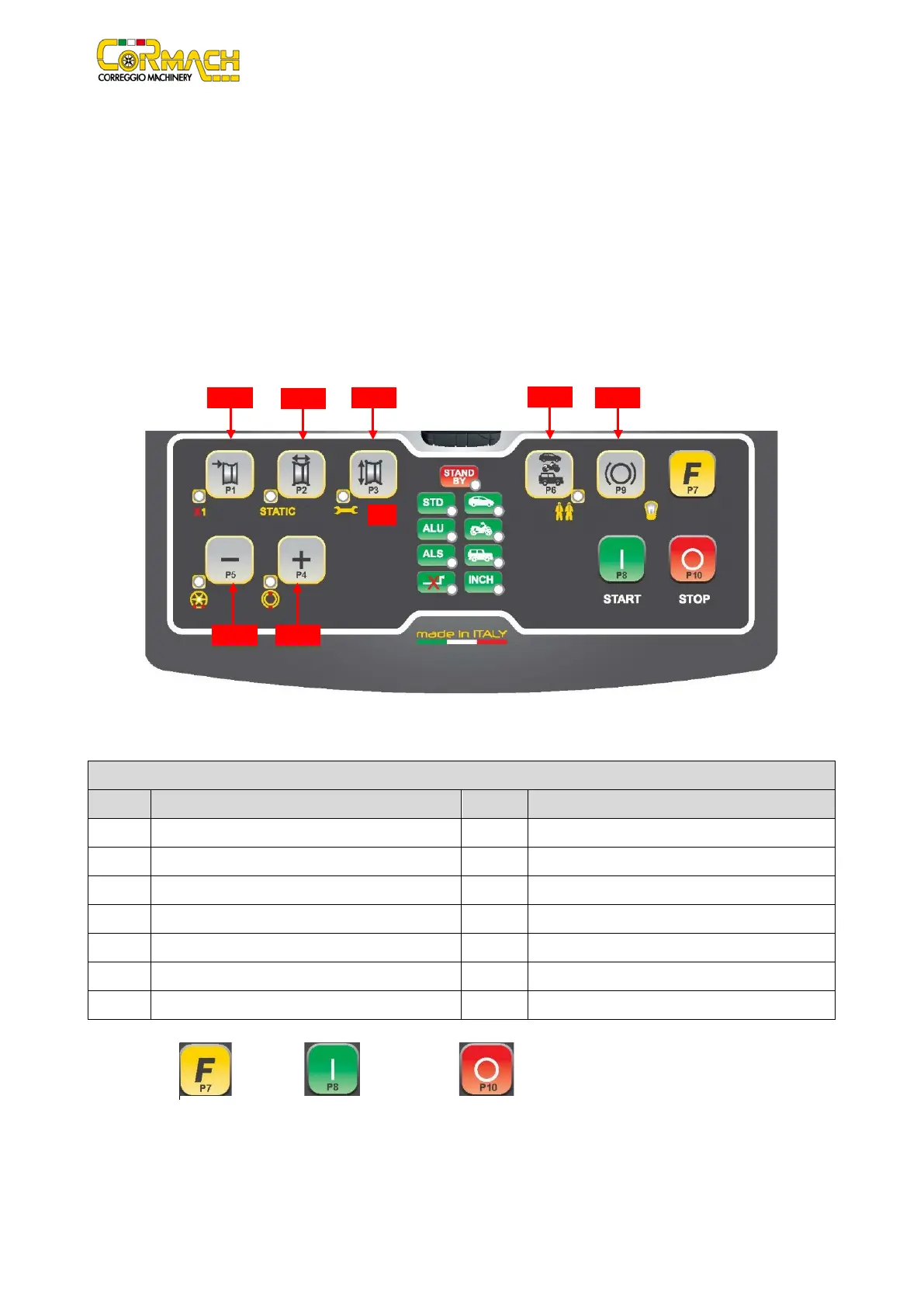
Figure F2.1: Machine use controls
Table T2.1: Settings, programmes and Menu available in the SERVICE mode
Setting/programme or Menu
Setting/programme or Menu
Sensor calibration programming
Select weight material in Fe/Zn, or Pb
Exit the SERVICE mode (return to NORMAL mode)
Read counter (nr. of Launches)
Parameters (Menu with password for technical service)
Select the imbalances view threshold
Note: keys [P7] , [P8] Start and [P10] Stop ARE NOT USED to access settings, programs or Menus.



 To Next Page