Technical Support Manual – 05/2018 Rel. 2.1.3 Page 11
Lar
Activation or deactivation of the width sensor (if present)
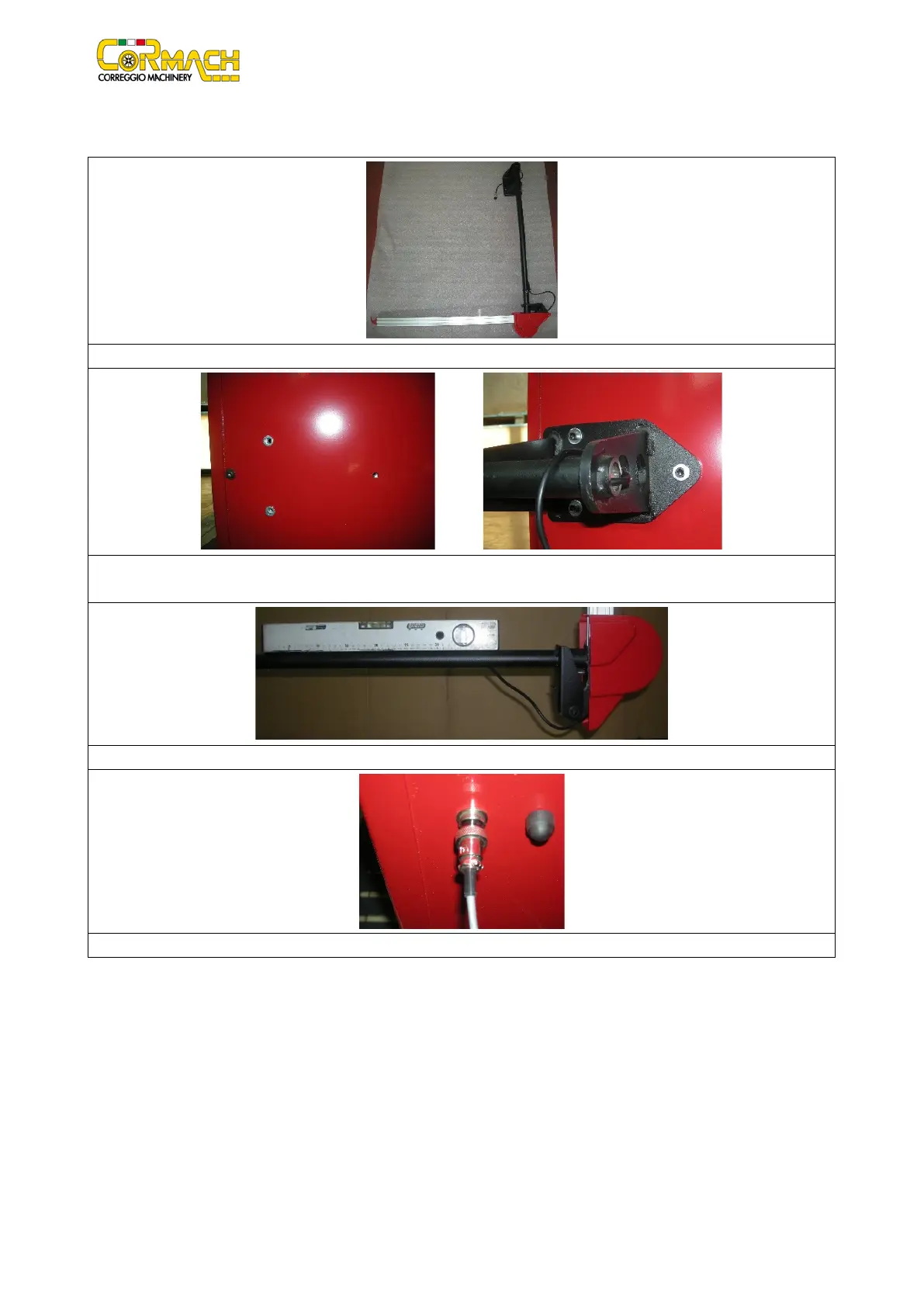
When present, the external sensor must be installed according to the pictures provided below.
Remove external sensor from the packaging.
There are holes at the back of the wheel balancer to attach the external sensor. Place the flange of external sensor on the three
Square the external sensor using a level. Tighten the 3 M6 screws.
Connect the cable of the external sensor to the machine and screw on the connector.



 To Next Page