EasyManua.ls Logo

Cornwell Tools MMWP700DVI - User Manual

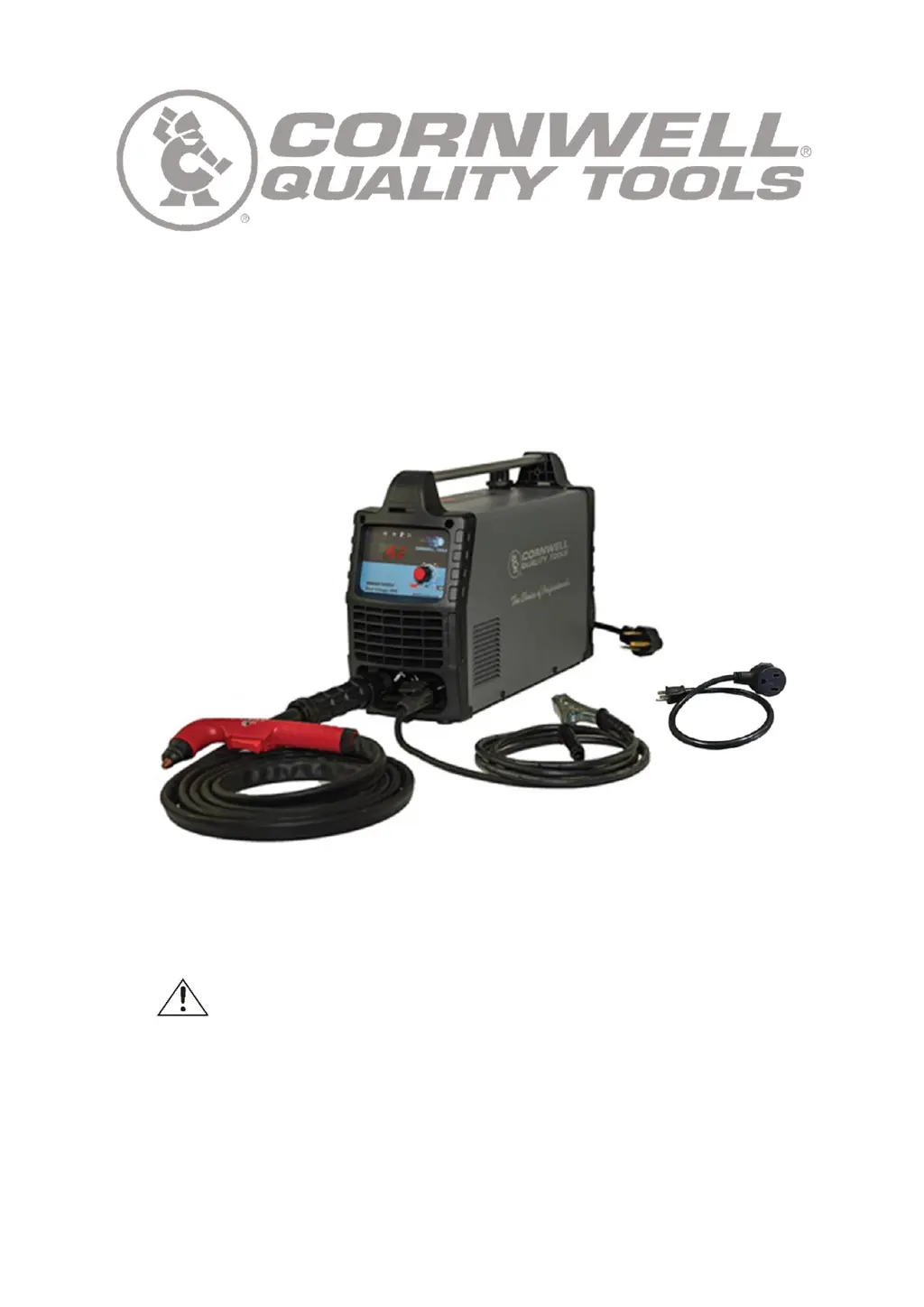
Cornwell Tools MMWP700DVI
17 pages
Print Icon
To Next Page IconTo Next Page
Loading...
MMWP700DVI
OWNER’S MANUAL
8/2019
WARNING:
Read carefully and understand all ASSEMBLY AND OPERATION
INSTRUCTIONS before operating. Failure to follow the safety rules and other
basic safety precautions may result in serious personal injury.

Questions and Answers

  • H
    Holly JenkinsAug 11, 2025
    What to do if my Cornwell Tools Welding System doesn't power up?
    • M
      Michael SweeneyAug 11, 2025
      If your Cornwell Tools Welding System does not power up, there are several potential causes. First, ensure the unit is properly plugged in. If it is, check the input power circuit breaker and reset it if necessary. If the problem persists, the main power switch or the control circuit board may be defective and require replacement.
  • J
    jenna75Aug 23, 2025
    What to do if the protection indicator is on for Cornwell Tools MMWP700DVI Welding System?
    • M
      Michael BautistaAug 23, 2025
      If the protection indicator is illuminated on your Cornwell Tools Welding System, it means the unit has entered protection mode. This can occur if the internal temperature is too high. In this case, leave the power on and allow the fan to cool the unit down. Operation will resume once the unit has cooled sufficiently. Another potential cause is incorrect input power voltage. Ensure your input voltage is within the range of 220V-240V AC (or 110V-130V when using the 120V adapter cord). Use a meter to check the input power voltage.
  • J
    joannariversAug 29, 2025
    How to fix a Cornwell Tools MMWP700DVI Welding System when the pilot arc is present, but the cutting arc doesn't ignite?
    • D
      Dr. Jason HamiltonAug 29, 2025
      If your Cornwell Tools Welding System has a pilot arc but the cutting arc does not ignite, the issue might be related to the workpiece or ground connection. Make sure to remove any paint or rust from the workpiece where you are cutting. Also, ensure the ground clamp is connected to bare metal on the workpiece and is making a solid electrical connection.
  • A
    alinSep 4, 2025
    Why is the cooling fan not working on my Cornwell Tools MMWP700DVI Welding System?
    • J
      Jennifer MartinSep 4, 2025
      If the cooling fan in your Cornwell Tools Welding System is not working, first ensure that the unit is turned on. If the unit is on and the fan is still not working, the cooling fan itself may be defective and require replacement. Alternatively, a defective control transformer could also be the cause, requiring its replacement.
  • C
    Cassandra BryantNov 16, 2025
    Why is there no pilot arc on my Cornwell Tools MMWP700DVI Welding System?
    • J
      Jordan McfarlandNov 16, 2025
      Several factors can cause a lack of pilot arc in your Cornwell Tools Welding System. Here's what to check: * Ensure you have adequate air supply pressure, adjusting the gas pressure to a minimum of 60 PSI. * Examine the torch head components, replacing any that are missing. * Confirm the plasma torch trigger is communicating with the unit by pulling the trigger and checking if the work light turns on; if not, check the trigger connection. The torch itself may be defective and need repair or replacement. See if the electrode in the torch head is spring loaded. If it is not, the torch head has seized, and the torch will need to be replaced. Consider installing an air dryer to your compressed air supply to prevent corrosion of the torch head. * Also, the control circuit board or cont...

Cornwell Tools MMWP700DVI Specifications

General IconGeneral
BrandCornwell Tools
ModelMMWP700DVI
CategoryWelding System
LanguageEnglish

Related product manuals