4-43
Track Manager
Controls and Indicators
Soft Key Description
GO TO... – takes you to the selected waypoint on the GPS
map.
Waypoint Manager – Go to Waypoint
YES – Go to waypoint on the GPS Navigator Maps.
NO – Do not go to the waypoint on the GPS Navigator Maps.
Soft Key Description
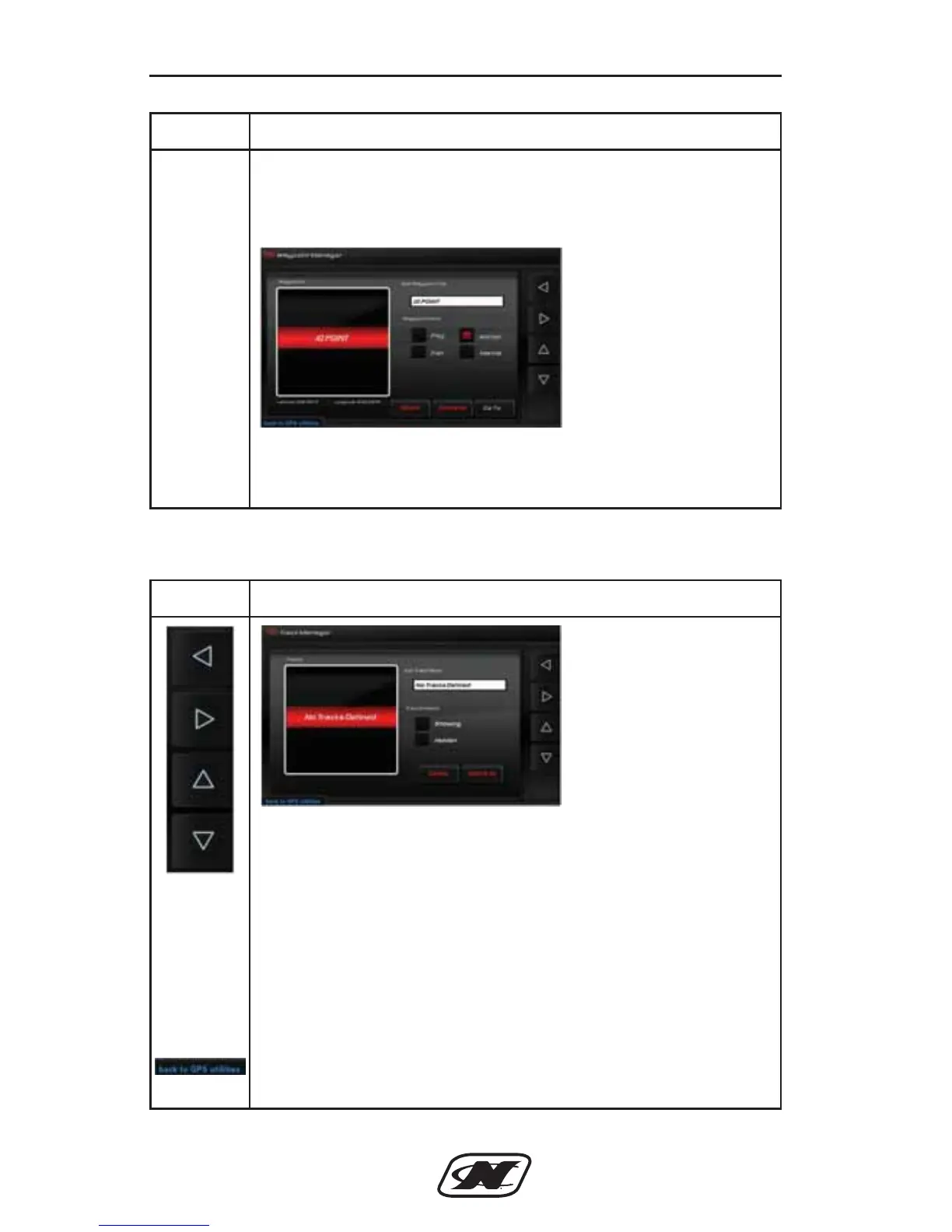
LEFT – RIGHT – UP – DOWN ARROW soft keys are used
to navigate the different areas in the Track Manager.
TRACKS – List of current tracks available to edit.
EDIT TRACK NAME – select to edit the track name using a
keyboard.
TRACK ENABLED – select to show or hide the track.
DELETE/DELETE ALL – Allows the user to delete selected
track or all tracks in the list.
BACK TO GPS UTILITIES – select to go back to the GPS
Utilities screen.
D-Drive Sec 4_2013_Nautique Ski Sec 4.qxd 7/3/12 10:15 AM Page 43








 To Next Page