4-44
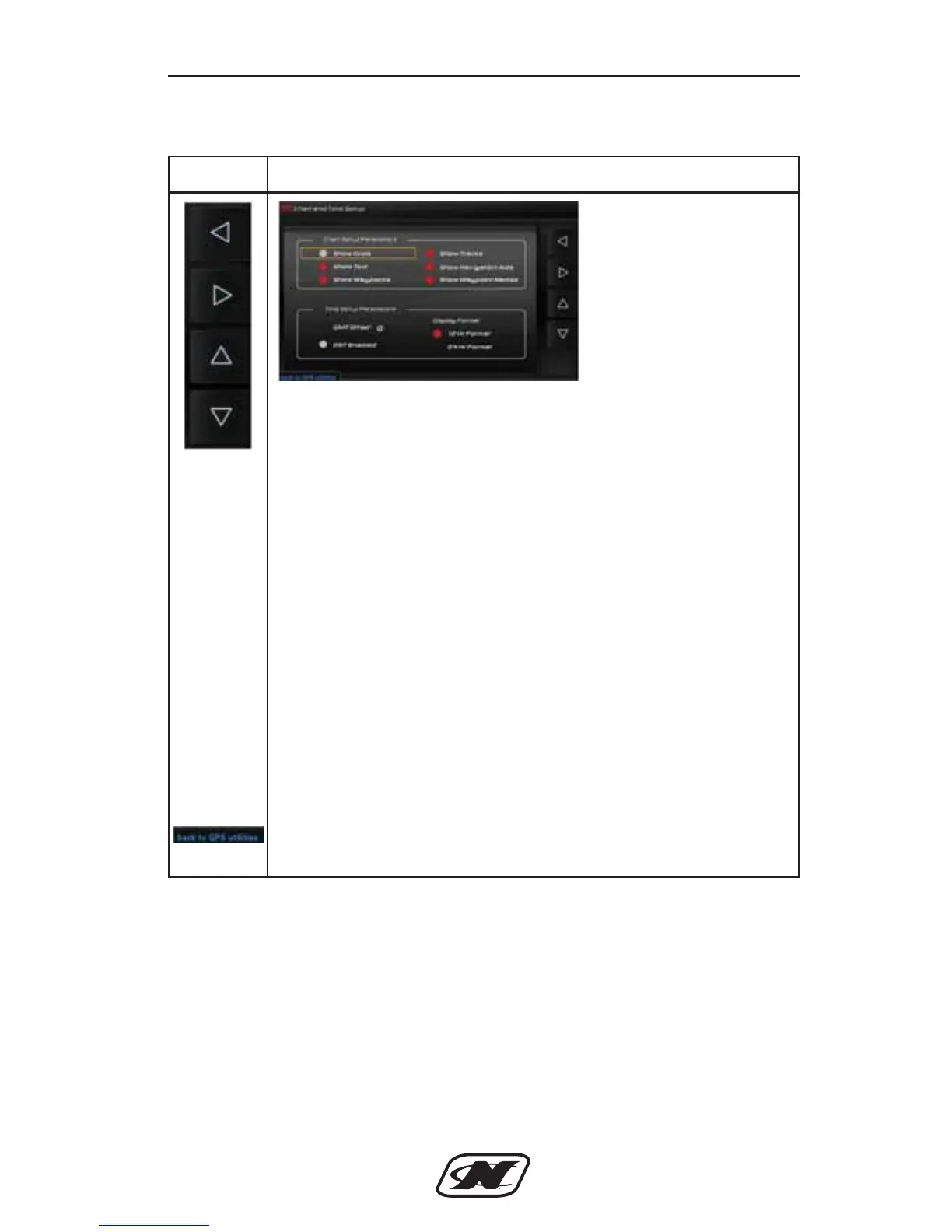
Chart and Time Setup
Section 4
Soft Key Description
LEFT – RIGHT – UP – DOWN ARROW soft keys are used
to navigate the different areas in the Chart and Time Setup.
CHART SETUP PARAMETERS – turn on or off available
settings:
• Show Grids
• Show Text
• Show Waypoints
• Show Tracks
• Show Navigation Aids
• Show Waypoint Names
TIME SETUP PERAMETERS – turn on or off the available
settings:
• GMT Offset
• DST Enabled
• 12 Hr Format
• 24 Hr Format
BACK TO GPS UTILITIES – select to return to the GPS
Utilities screen.
D-Drive Sec 4_2013_Nautique Ski Sec 4.qxd 7/3/12 10:15 AM Page 44








 To Next Page