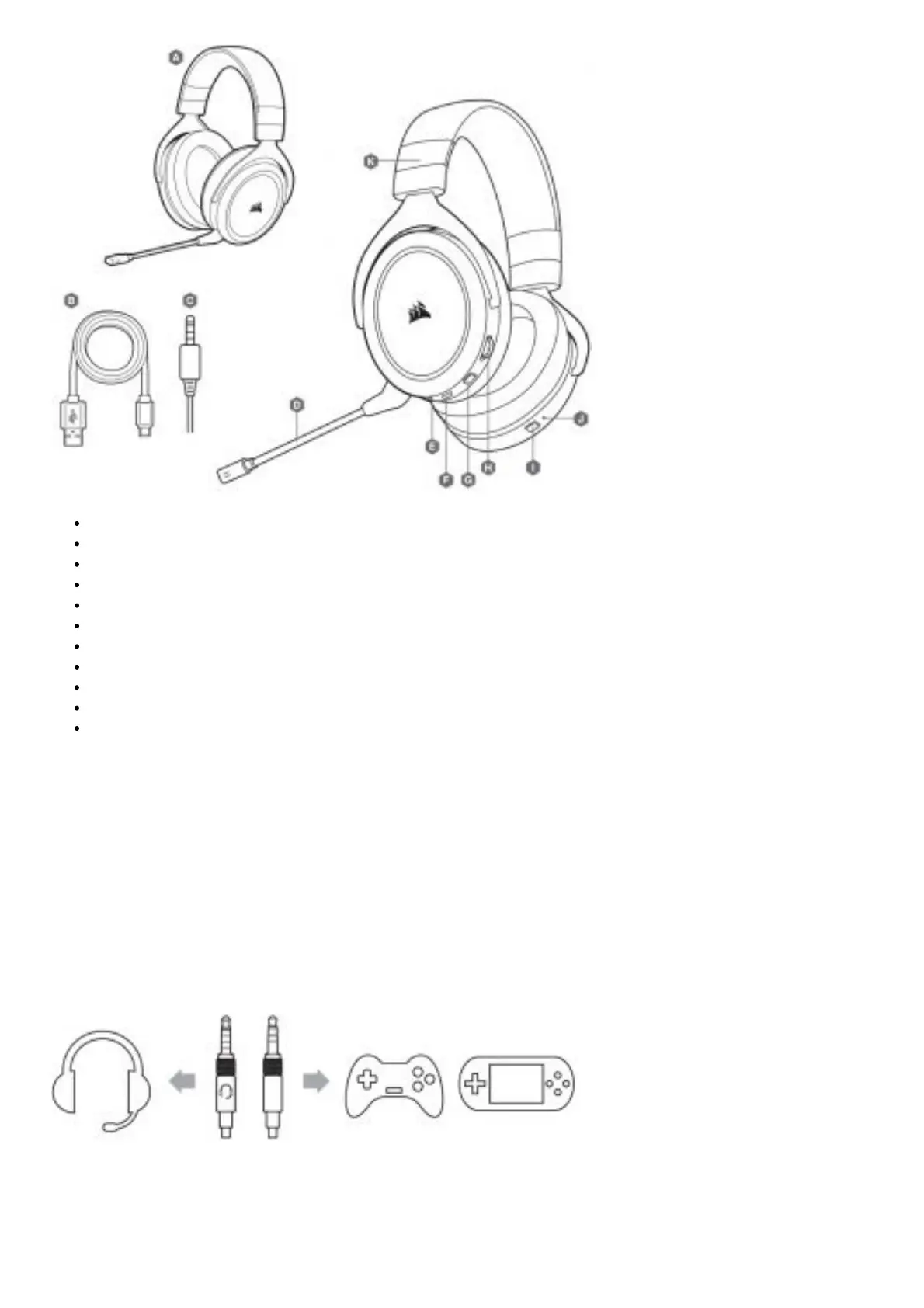
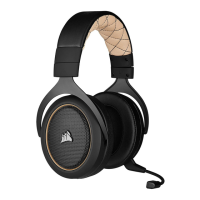
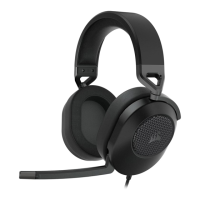
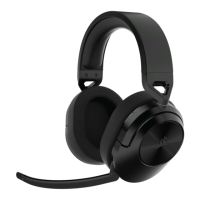
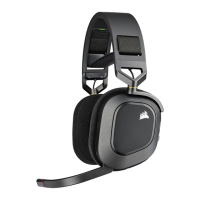
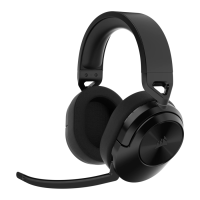
A. CORSAIR HS70 BLUETOOTH headset
B. USB audio and charging cable
C. 3.5mm audio cable
D. Detachable microphone boom
E. 3.5mm audio jack
F. USB-C port
G. Mute button
H. Volume control
I. Bluetooth MFB (power/pairing)
J. Bluetooth status LED
K. Headband adjustment
GETTING STARTED WITH YOUR HS70 BLUETOOTH HEADSET
HS70 BLUETOOTH is a multi-platform headset that can simultaneously operate wirelessly via Bluetooth and wired
using the USB and 3.5mm connections.
Use Bluetooth to connect to your mobile device or other Bluetooth compatible products. You can receive phone calls
and listen to music or other content when connected via Bluetooth.
Use the 3.5mm audio jack to connect to console controllers or other compatible devices.
Please note the included 3.5mm cable is directional. Look for the headset icon on the cable end to ensure it is
oriented correctly before connecting.
For optimal performance on PC, use the USB connection.
When using the headset on a PC using the USB connection, go to corsair.com/support/downloads to download the
iCUE software. Using the iCUE software will enable the full feature set of your headset.



 To Next Page