Install the iCUE software on a PC running Windows 10 or later.
After installation is complete, reboot your PC, and launch iCUE.
Select and customize audio equalizer (EQ) settings.
Adjust microphone input volume and sidetone.
NOTE: Prolonged listening at high volumes may adversely affect your hearing. Take breaks between sessions and
always begin with the volume at the lowest possible level before increasing.
CHARGING
IMPORTANT: The HS70 BLUETOOTH headset must be fully charged before its first use.
Connect the USB charging cable to any working USB port on your PC.
Connect the USB charging cable to the HS70 BLUETOOTH headset.
The HS70 BLUETOOTH headset battery has no “memory effect”, so there is no need to completely discharge it
before recharging. The lithium-ion battery in the HS70 BLUETOOTH headset will last for hundreds of
charge/discharge cycles. Remember that the USB charging cable requires a high power (USB 2.0 or better) port.
Some USB ports found on older devices do not support USB 2.0.
CHARGING: When the headset is off and charging with a connected USB cable, the Status LED reports the charge
and battery status.
STATUS LED DISPLAYS
RED (SOLID): Charging
OFF: Fully charged
BLUETOOTH MODE
PAIRING
Make sure headset is off. To enable pairing, press and hold the MFB until the Bluetooth status LED blinks red and
blue. When the headset is paired, the MFB LED will blink blue. Select the headset on your mobile device from the
Bluetooth device list.
To power on Bluetooth mode, press and hold the MFB for 3-5 seconds. To power off Bluetooth mode, press and hold
the MFB for 3-5 seconds. The Bluetooth status LED will turn off.
DISCONNECTED PAIRING CONNECTED
Double blink (red) Alternation blink (red and blue) Single blink (blue)
ANSWERING AND ENDING PHONE CALLS
To answer an incoming call, single press the MFB. To end the call, single press the MFB button again.
LISTENING TO MUSIC (MEDIA PLAYBACK)
To play a track, single press the MFB. To pause playback, single press the MFB again. To skip forward, press the
MFB button twice quickly. To skip backward, press the MFB button three times quickly.
BATTERY REMOVAL INFORMATION
This product uses a rechargeable battery and safety guidelines must be followed in the event that the product is
disabled for disposal and recycling. To safely remove the battery for disposal and recycling, follow the numbered
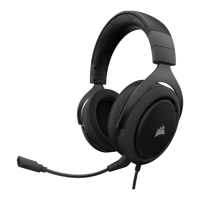
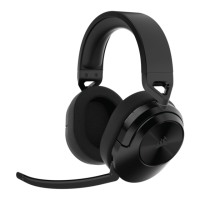
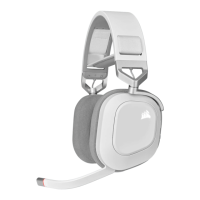
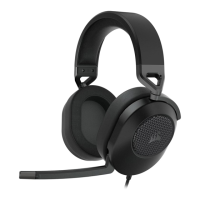
steps with the below diagrams.


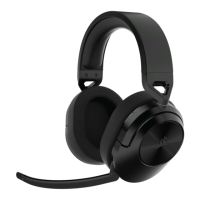
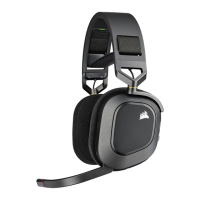
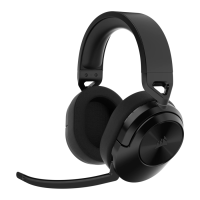

 To Next Page