EasyManua.ls Logo

Corsair Hydro H60 - User Manual

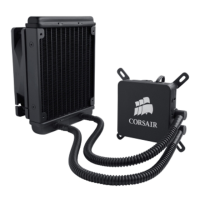
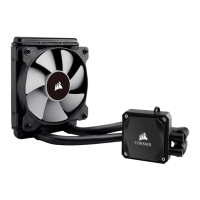
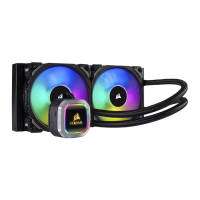
Corsair Hydro H60
4 pages
Print Icon
To Next Page IconTo Next Page
Loading...
x4 x4 x4
x4
x2
x4
LGA2011
x2 AMD
High-Performance Hydro CPU Cooler
x2 INTEL
x1
Question and Answer IconNeed help?

Do you have a question about the Corsair Hydro H60 and is the answer not in the manual?

Summary

Installation Steps

AMD CPU Cooler Installation

Steps for mounting the Hydro Series H60 cooler onto AMD motherboards.

Intel CPU Cooler Installation

Steps for mounting the Hydro Series H60 cooler onto Intel motherboards.

Power Connections

Connects the fan and pump power connectors to the motherboard headers.

Support and Contact Information

Contact Details

Provides email, website, forum, social media, and phone numbers for support.

Summary

Installation Steps

AMD CPU Cooler Installation

Steps for mounting the Hydro Series H60 cooler onto AMD motherboards.

Intel CPU Cooler Installation

Steps for mounting the Hydro Series H60 cooler onto Intel motherboards.

Power Connections

Connects the fan and pump power connectors to the motherboard headers.

Support and Contact Information

Contact Details

Provides email, website, forum, social media, and phone numbers for support.

Corsair Hydro H60 Specifications

General IconGeneral
Radiator MaterialAluminum
Fan Dimensions120mm x 120mm x 25mm
Fan Speed1700 RPM
Noise Level28.3 dBA
Airflow57.2 CFM
Warranty5 Years
Socket CompatibilityIntel LGA 1150, 1151, 1155, 1156, 2011, 2011-3, 2066; AMD AM2, AM3, AM4, FM1, FM2
Radiator Dimensions157 x 120 x 27mm

Related product manuals