4
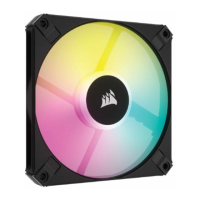
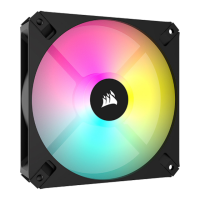
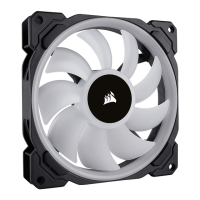
LL140 RGB FANLL140 RGB FAN
3
Installation Lighting Node PRO installation
> Connection notes
• Connect the fans in sequential order from
1 > 2 > 3 > 4 > 5 > 6.
• Animations begin with fan 1 and proceed
through fan 6.
• Any fan not connected in series will
break communication and the RGB LED
lighting function will not work.
> Mount the fan(s) to the location
of your choice in the chassis.
> Find a location for the RGB LED hub that allows
connection for all the fans RGB LED cables
installed in your system to reach the hub.
• The CORSAIR Lighting Node PRO will also
need to be plugged into the RGB LED hub for
CORSAIR iCUE software control of the RGB
LED lighting.
> Mount the RGB LED hub with the provided
mounting strips.
> Turn your system o prior to installing your Lighting Node PRO.
> Find a location for the Lighting Node PRO that allows the cable to reach the
RGB LED hub.
> Mount the Lighting Node PRO with the provided mounting strip.
> Plug the mini USB cable into the back of the Lighting Node PRO then plug
the 9-pin end into an available internal USB 2.0 header in your system.
> Connect the SATA power connector to any available SATA connector
from your system power supply.


 To Next Page
 Loading...