6
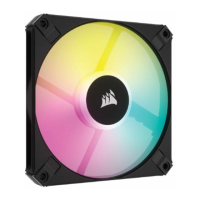
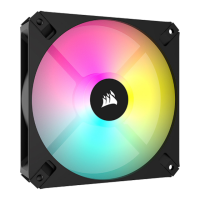
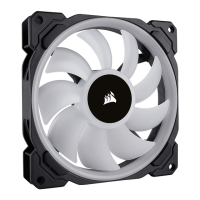
LL140 RGB FANLL140 RGB FAN
5
Download CORSAIR iCUE
LED hub installation
> Plug the RGB LED cable into an available LED header on the Lighting Node PRO
to connect the LED hub.
> Connect the SATA power connector to any available SATA
connector from your system power supply.
> For the full CORSAIR iCUE experience, please download our latest CORSAIR iCUE
software at www.corsair.com/downloads.
* An internet connection is required for software download.
CORSAIR iCUE is required for lighting control.


 To Next Page
 Loading...