65
GETTING STARTED
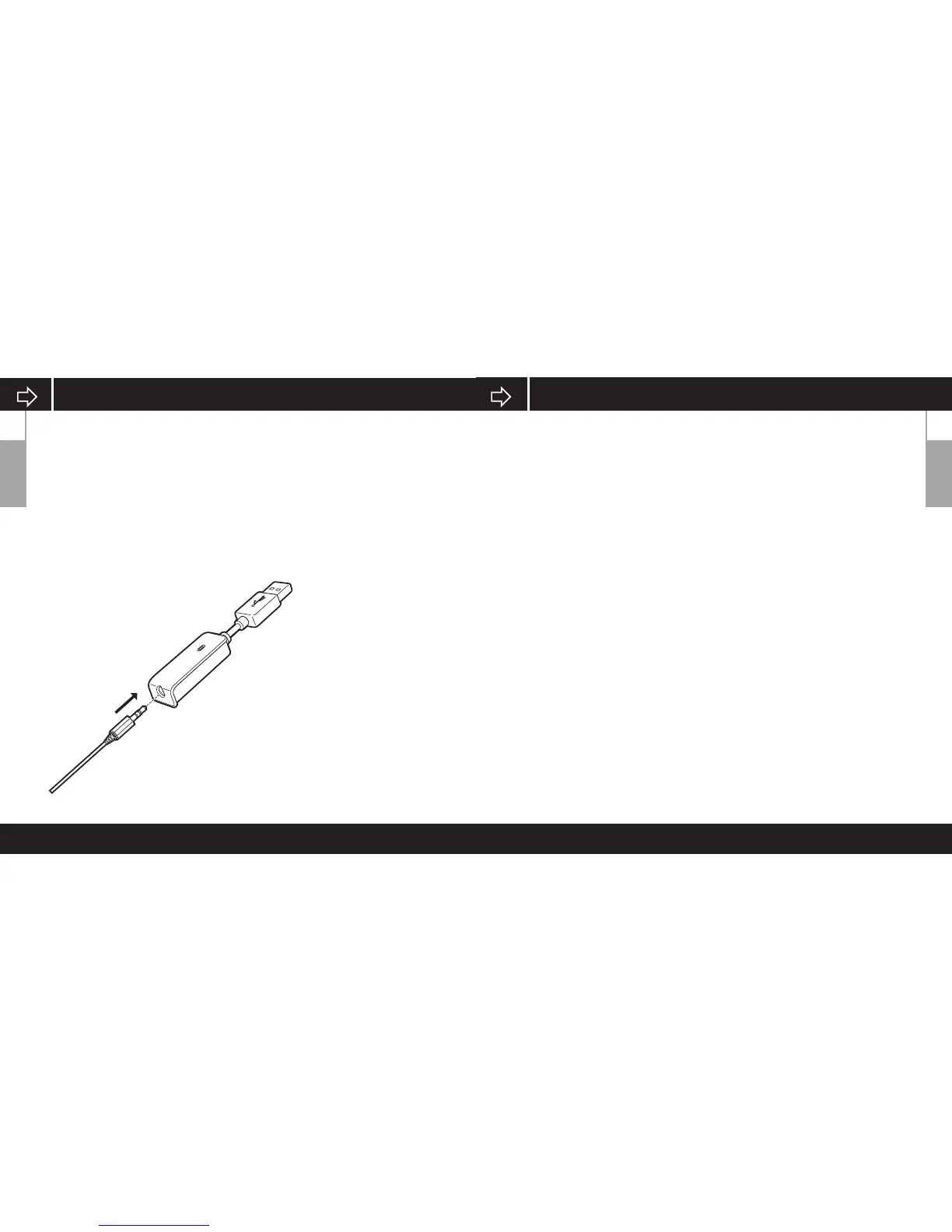
Remember that powering the USB Dolby 7.1 Adapter requires a high
power (USB 2.0 or better) port. Some USB ports on older keyboards and
monitors do not support high-power devices.
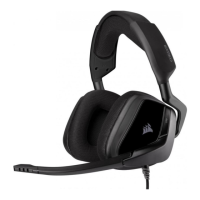
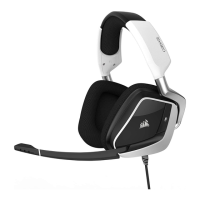
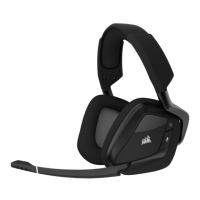
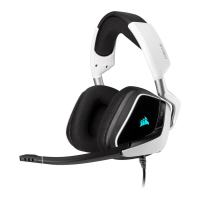
Place the headset on your head and adjust the headband for a comfortable
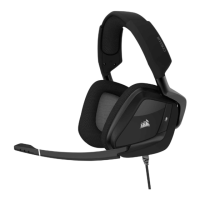
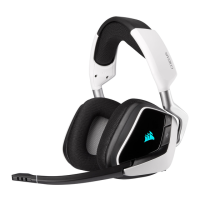
fit. The extra-large ear pads and deep earcups enable the Corsair VOID
Headset to fit comfortably so you can play for hours without fatigue.
To use the microphone, rotate it down and adjust it so that it’s between
1–2 inches (2.5cm to 5cm) away from your mouth.
ENGLISH
CORSAIR UTILITY ENGINE
ENGLISH
• Go to corsair.com/support/downloads to download the Corsair Utility
Engine (‘CUE’) Software.
Using CUE software will enable the full feature set of the
VOID Surround Headset.
• Install the software on a PC running Windows 7, 8 or 10.
• After installation is complete, reboot your PC, and launch CUE.
You can use it to:
• Select and customize audio equalizer (EQ) settings.
• Adjust headset volume, microphone input volume, and microphone feedback.
• Enable Dolby Headphone, and set it to on or o.
The software’s built-in documentation explains how to use the
VOID SURROUND Headset features in greater detail.



 To Next Page