7
ENGLISH
8
ADJUSTMENTGENERAL TIPS
GENERAL TIPS
For the best audio performance:
• Download the Corsair Utility Engine software from
corsair.com/support/downloads
• Don’t be afraid to use the software equalizer to adjust the audio quality
to your liking. EQ presets have been provided for popular gaming and
media types.
Prolonged listening at high volumes may adversely aect your hearing.
Take breaks between sessions and always begin with the volume at the
lowest possible level before increasing.
ENGLISH
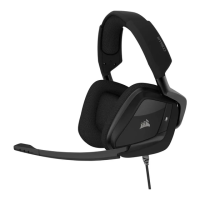
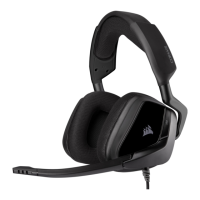
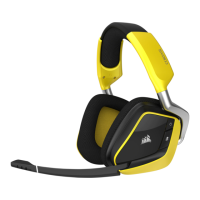
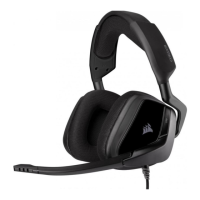
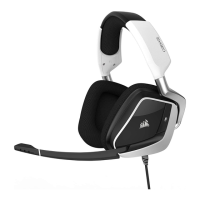
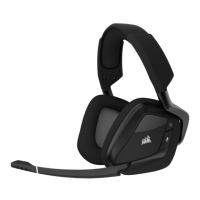
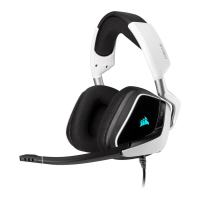
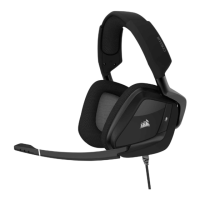
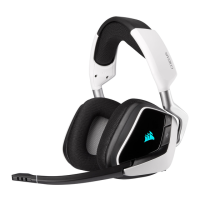
Place the headset on your head and adjust the headband for a comfortable fit.
The extra-large ear pads and deep earcups enable the Corsair VOID headset
to fit comfortably so you can play for hours without fatigue.
As with any audio product, reduce the volume before trying it with an audio
source the first time.
You can adjust the volume with:
• The “CUE Control” is the digital volume controller on the headset at the
bottom corner of your left earcup: hold or repeatedly toggle it downwards
to reduce volume, and upwards in short increments to increase volume.
• The standard Windows audio controller can also be used to adjust volume.
• Once and audio source is playing, set the volume to a comfortable level.
To use the microphone, rotate it down and adjust it so that it’s between 1–2
inches (2.5cm to 5cm) away from your mouth.



 To Next Page