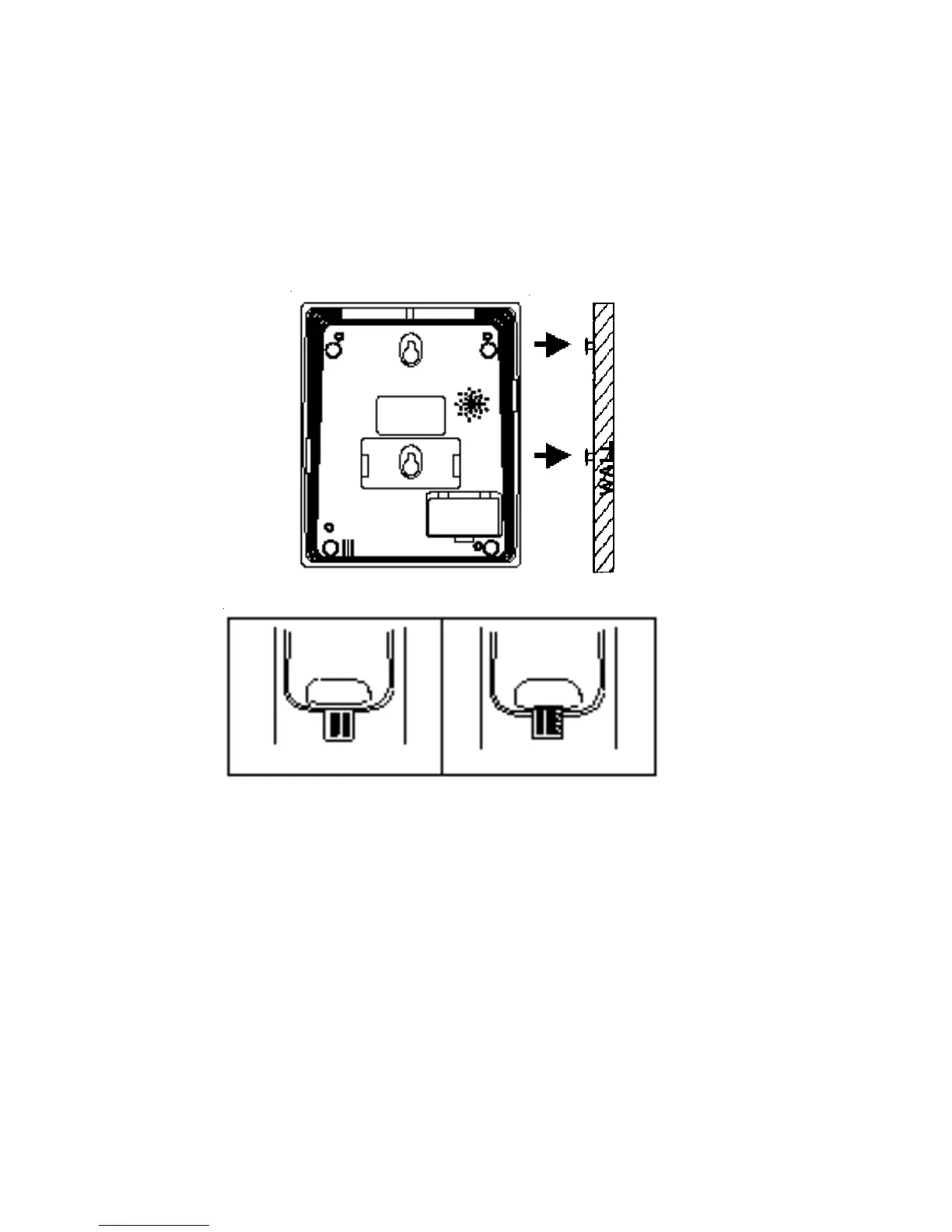
WALL MOUNT INSTRUCTIONS
Before mounting, select a wall with sufficient strength. Install wall mount bracket in
wall mount position. Connect the line cord. See Step 1 on preceding page for
specific instructions. Push out the handset hook and reattach in opposite direction
for the wall mount position, plug the coiled cord into the handset, and then plug the
other end of the cord into the base. Place the handset on the base.
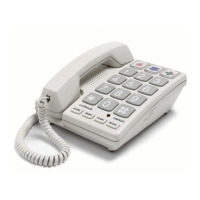
Desk Top Position Wall Mount Position
5


 To Next Page