User interface
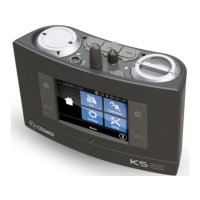
The user interface is based on a LCD touch screen display and four keys. The display is resistive in order to allow the user to use it also with gloves,
wet fingers, etc.
To select an icon on the screen, please touch it with a finger or with a touch screen pen (not supplied).
To select a function carried out by a key, please press the corresponding key.
The four keys
Start the test recording
Return to the previous menu / Start the auto-check function (see Auto-check section)
Turns the device on or off
Return to the Home menu / Enter a marker during a test
K5 Operation - User interface- 41


 To Next Page