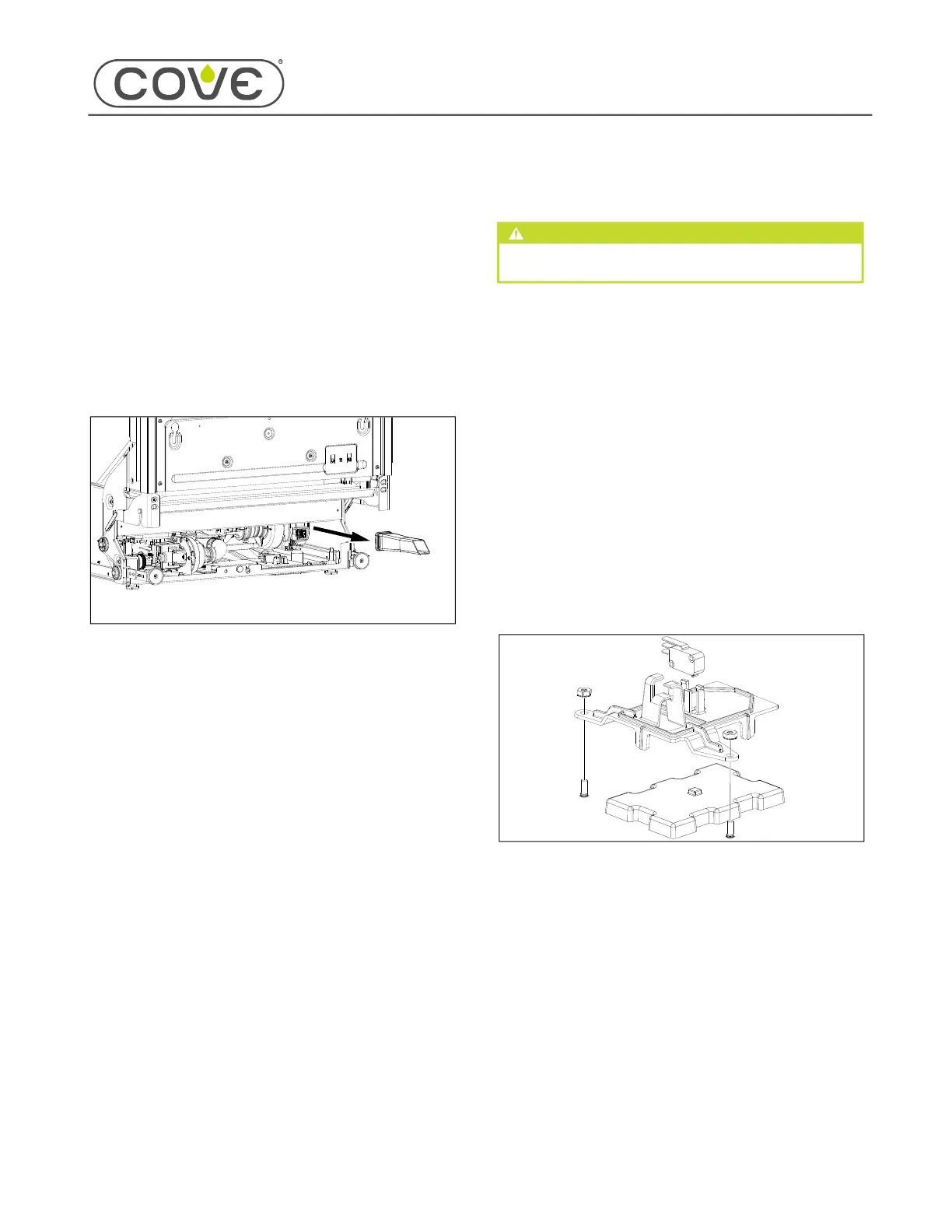
828019 REV B 08/2023
DW2450 and DW2450WS Service Manual
service.subzero.com 800.222.7820
Base Component Removal and Installation
Base Component Removal and Installation
AIR DRIER DUCT REMOVAL
To remove the air drier duct, first remove:
Door panel
Kickplate
Lower front cover
REMOVE THE AIR DRIER DUCT
Pull the air drier duct out of the port.
AIR DRIER DUCT INSTALLATION
After installing the air drier duct, install:
Lower front cover
Kickplate
Door panel
INSTALL THE AIR DRIER DUCT
Push the air drier duct into the port until it clicks.
FLOAT AND FLOAT SWITCH REMOVAL
WARNING
Disconnect the product from the power source
before starting this procedure.
To remove the float and float switch, first remove:
Door panel
Kickplate
Lower front cover
REMOVE THE FLOAT BRACKET AND FLOAT
Remove the wire harness from the float bracket's
wire retainer.
Disconnect the wire connector from the float switch.
Use a
3
/
8
" combination wrench to remove the float
bracket nuts from the studs.
Remove the float bracket from the unit.
Remove the float from the unit.
1
2
3
1
1
2
3
1
1
2
3
1
2
3
4
5
45


 To Next Page