7
UNCOVERING THE POOL
WARNING: $O NOT OPERATE THE COVER WITH WATER ON IT *UST ONE INCH OF WATER ON A COVER CAN WEIGH THOUSANDS OF POUNDS
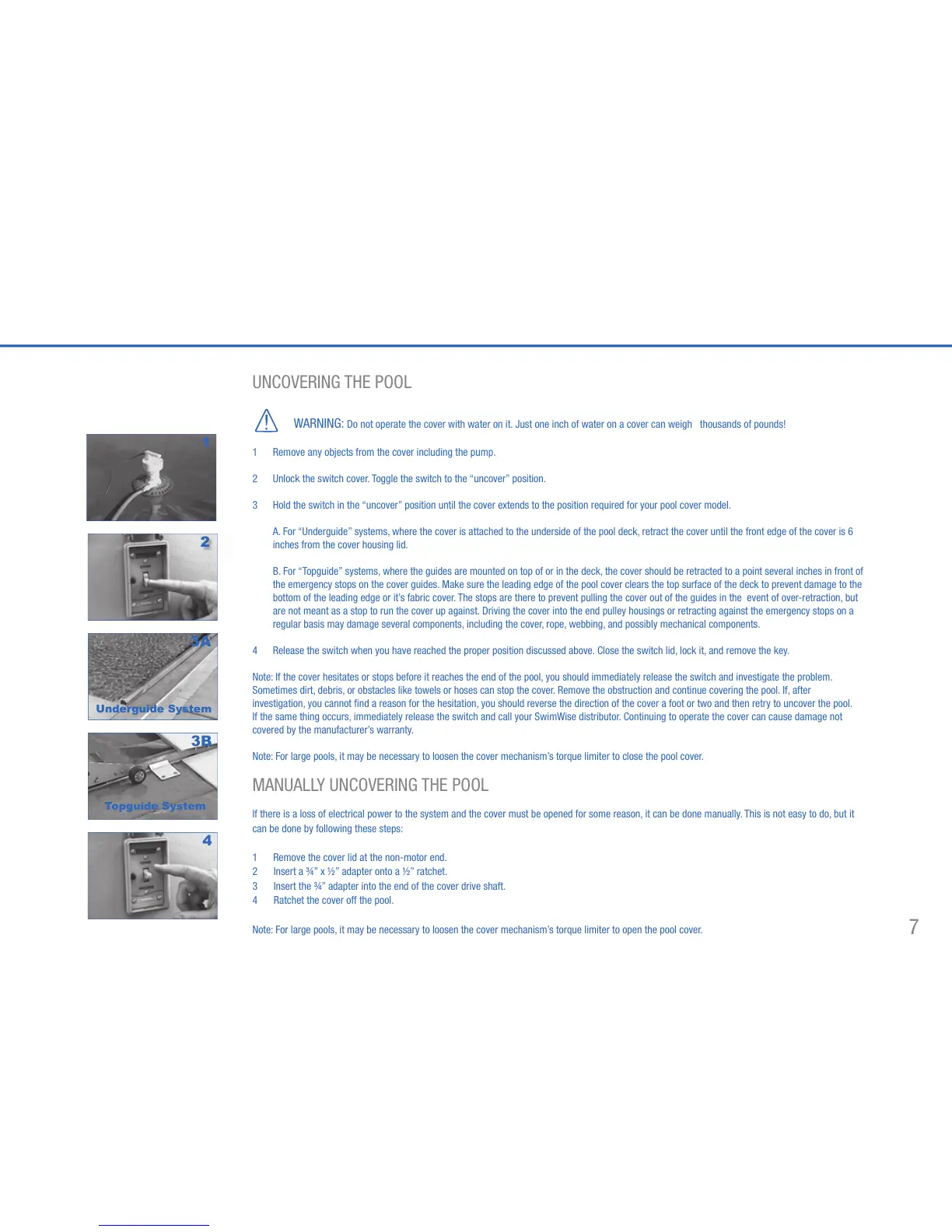
1 Remove any objects from the cover including the pump.
2 Unlock the switch cover. Toggle the switch to the “uncover” position.
(OLD THE SWITCH IN THE hUNCOVERv POSITION UNTIL THE COVER EXTENDS TO THE POSITION REQUIRED FOR YOUR POOL COVER MODEL
A. For “Underguide” systems, where the cover is attached to the underside of the pool deck, retract the cover until the front edge of the cover is 6
inches from the cover housing lid.
B. For “Topguide” systems, where the guides are mounted on top of or in the deck, the cover should be retracted to a point several inches in front of
the emergency stops on the cover guides. Make sure the leading edge of the pool cover clears the top surface of the deck to prevent damage to the
bottom of the leading edge or it’s fabric cover. The stops are there to prevent pulling the cover out of the guides in the event of over-retraction, but
are not meant as a stop to run the cover up against. Driving the cover into the end pulley housings or retracting against the emergency stops on a
regular basis may damage several components, including the cover, rope, webbing, and possibly mechanical components.
4 Release the switch when you have reached the proper position discussed above. Close the switch lid, lock it, and remove the key.
Note: If the cover hesitates or stops before it reaches the end of the pool, you should immediately release the switch and investigate the problem.
Sometimes dirt, debris, or obstacles like towels or hoses can stop the cover. Remove the obstruction and continue covering the pool. If, after
investigation, you cannot find a reason for the hesitation, you should reverse the direction of the cover a foot or two and then retry to uncover the pool.
If the same thing occurs, immediately release the switch and call your SwimWise distributor. Continuing to operate the cover can cause damage not
covered by the manufacturer’s warranty.
Note: For large pools, it may be necessary to loosen the cover mechanism’s torque limiter to close the pool cover.
-!.5!,,9 5.#/6%2).' 4(% 0//,
If there is a loss of electrical power to the system and the cover must be opened for some reason, it can be done manually. This is not easy to do, but it
can be done by following these steps:
1 Remove the cover lid at the non-motor end.
2 )NSERT A v X v ADAPTER ONTO A v RATCHET
3 Insert the ¾” adapter into the end of the cover drive shaft.
4 Ratchet the cover off the pool.
Note: For large pools, it may be necessary to loosen the cover mechanism’s torque limiter to open the pool cover.
4
2
1
Underguide System
3A
3B
Topguide System



 To Next Page