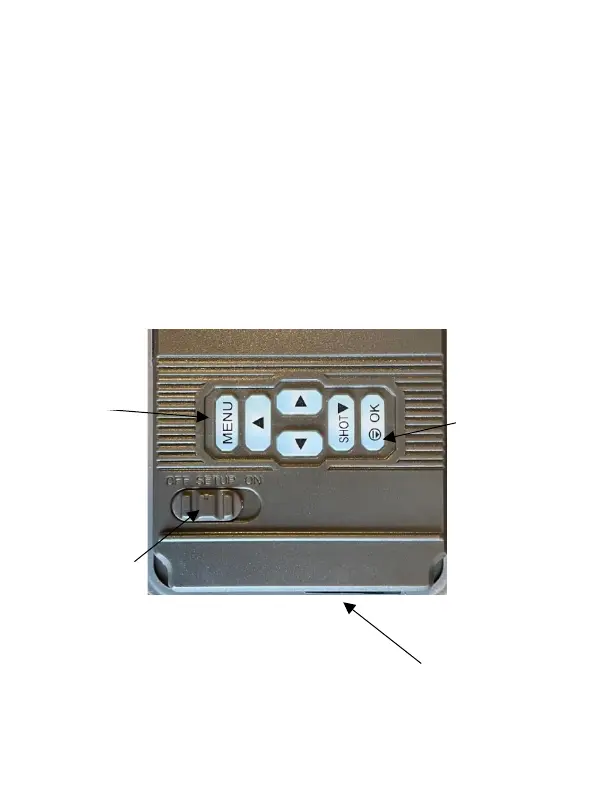
Quick Set Up
1. Install batteries and SD card
2. Switch the camera to SETUP
3. Press Menu, and select your desired settings
4. Mount the camera
5. Switch the camera to ON. There will be a 5
second countdown followed by a blank screen
Button and Front Case Diagram
Three Position
ON/OFF Switch



 To Next Page