ENGLISH 9
N O ISE C A NCE LLA TIO N
BATT ERY CHARG ING
Noise cancelling modes
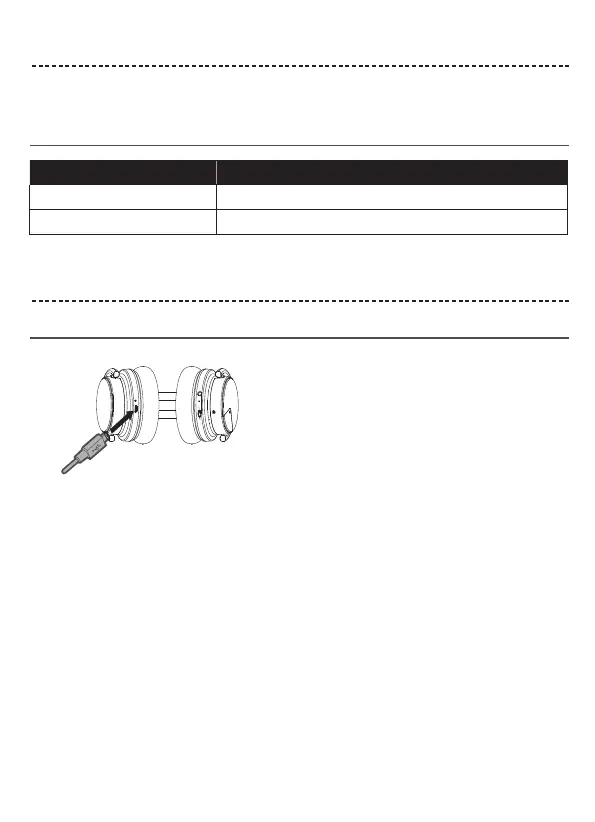
Charge the headphones
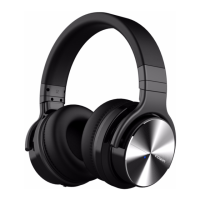
Noise cancellation helps reduce unwanted noise and provides clearer and more lifelike audio performance.
You can choose the noise cancelling mode based on your preferences and environment.
Notes:
Low battery prompts
Noise cancelling mode Description
ON
Switch from BT to NC. A voice prompt announces "Noise Cancelling On"
OFF
Switch from NC to BT, A voice prompt announces "Noise Cancelling Off"
Charging time
Allow up to four hours to fully charge the headphones.
Notes:
Up to 30 Hours playtime on a full charge in Bluetooth only mode.
And up to 20 Hours when using Bluetooth with Noise Cancelling.
1. Plug the small end of the USB cable into the micro-USB connector on the left earcup.
2. Plug the other end into a USB wall charger or computer that is powered on.
•
•
While charging, the LED indicator blinks red.
When the battery is fully charged, the LED indicator turns off.
• Voice prompts "Battery Low" every 10 minutes until the battery is run out.


 To Next Page