EasyManua.ls Logo

Cowon iAUDIO 5 - User Manual

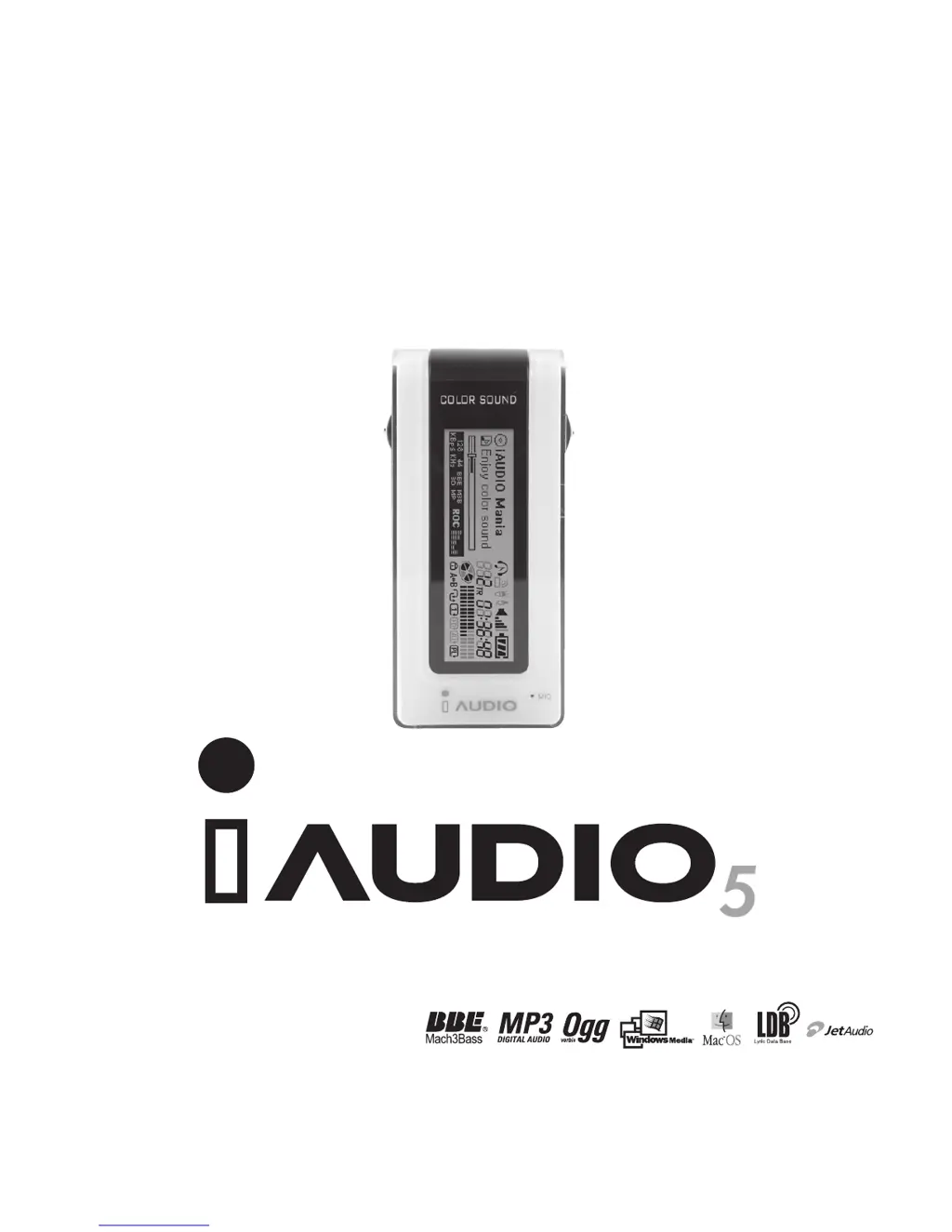
Cowon iAUDIO 5
38 pages
Print Icon
To Next Page IconTo Next Page
Loading...
User’s Guide

Questions and Answers

Summary

Precautions for Using iAUDIO

Battery and Power Safety Guidelines

Proper battery usage, polarity, and safe removal procedures during operation.

Service, Warranty, and Data Backup

Information on non-serviceable parts, warranty voiding, and data backup before service.

Introduction to iAUDIO

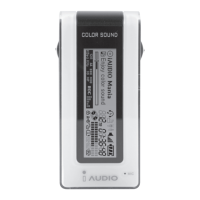
iAUDIO Overview and Design

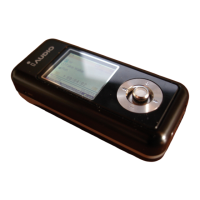
Introduces the iAUDIO MP3 Player, its deluxe, portable, and stylish design.

Core Functionality Features

Details long battery life, high-quality voice recording, direct encoding, and FM radio features.

iAUDIO Features Overview

Audio Playback and Recording Capabilities

Covers supported audio formats, voice recording, FM radio, and direct MP3 encoding features.

Performance and Usability Features

Highlights long battery life, multi-language support, navigation, resume, auto-off, and firmware/logo downloads.

Technical Specifications

Supported File Formats and Memory Options

Lists all supported audio file formats and available memory capacities.

Device Operations: Batteries and USB Connection

Battery Insertion Guide

Provides clear instructions for inserting batteries into the iAUDIO device.

USB Cable Connection Procedure

Outlines the procedure for connecting the iAUDIO to a PC via USB cable.

Navigating the iAUDIO Interface

Menu Navigation and Selection Guide

Provides instructions for navigating menus, selecting options, and adjusting values.

Using the Navigation Mode

Details how to enter and use the Navigation Mode for file browsing and management.

MP3 Player Mode Operations

Powering On, Playing, and Stopping Music

Instructions for powering on, playing music, and safely powering off the device.

FM Radio Mode Operations

Listening to FM Radio

Guides on tuning into and listening to FM radio stations.

Recording FM Broadcasts

Details the process of recording FM radio broadcasts.

Recording Modes Operations

Voice Recording Procedures

Instructions for using the built-in microphone to record voice memos.

Line-in Recording (Direct Encoding)

Guides on using the line-in jack for direct audio encoding from external devices.

JetEffect Sound Customization

Equalizer and BBE Settings

Explains the 5-band equalizer and BBE sound enhancement features.

Timer and Power Management

Setting Time and WakeUp Modes

Configure the device's time and select alarm operation modes.

Alarm Scheduling and Auto Power Off

Schedule alarms and set automatic power-off timers for convenience.

LDB Manager: Lyric Management Software

Adding and Searching Lyrics

Guides on automatically marking and manually searching for song lyrics.

General Settings Configuration

Playback Control Settings

Configure track skipping, scan speed, resume playback, and auto play functions.

Recording Settings and Quality

Line-in, Voice, and FM Radio Bit Rates

Configure bit rates for Line-in, voice, and FM radio recordings to manage quality and file size.

Troubleshooting Common Issues

Power and Audio Output Problems

Solutions for device power issues and lack of audio output.

Radio and Display Malfunctions

Fixes for FM radio reception failures and distorted character displays.

Memory and File System Errors

Guidance on resolving memory capacity display discrepancies and file saving limitations.

Button Operations in MP3 Player Mode

Controls When Device is Stopped

Explains button functions when the iAUDIO is stopped.

Controls When Device is Playing

Explains button functions when the iAUDIO is actively playing music.

Button Operations in Recording Modes

Controls During Recording

Details button functions while the device is actively recording audio.

JetShell Software Introduction

Key Features of JetShell

Details the core functionalities of the JetShell iAUDIO management software.

Installing JetShell and Connecting iAUDIO

JetShell Software Installation

Step-by-step guide for installing the JetShell software.

Connecting and Verifying iAUDIO Device

Instructions for connecting the iAUDIO device and verifying the USB driver installation.

iAUDIO Driver Installation for Windows 98;98 SE

Additional JetShell Features

Performing Firmware Upgrade

Completing Firmware Installation

Executing Firmware Upgrade and Compliance

Starting the Firmware Upgrade

Guides on initiating the firmware upgrade process.

Cowon iAUDIO 5 Specifications

General IconGeneral
Frequency Response20 Hz - 20 kHz
Signal-to-Noise Ratio95dB
Battery LifeUp to 20 hours
Audio Formats SupportedMP3, WMA, OGG, WAV
Output Power20 mW
Storage Capacity512MB, 1GB

Related product manuals