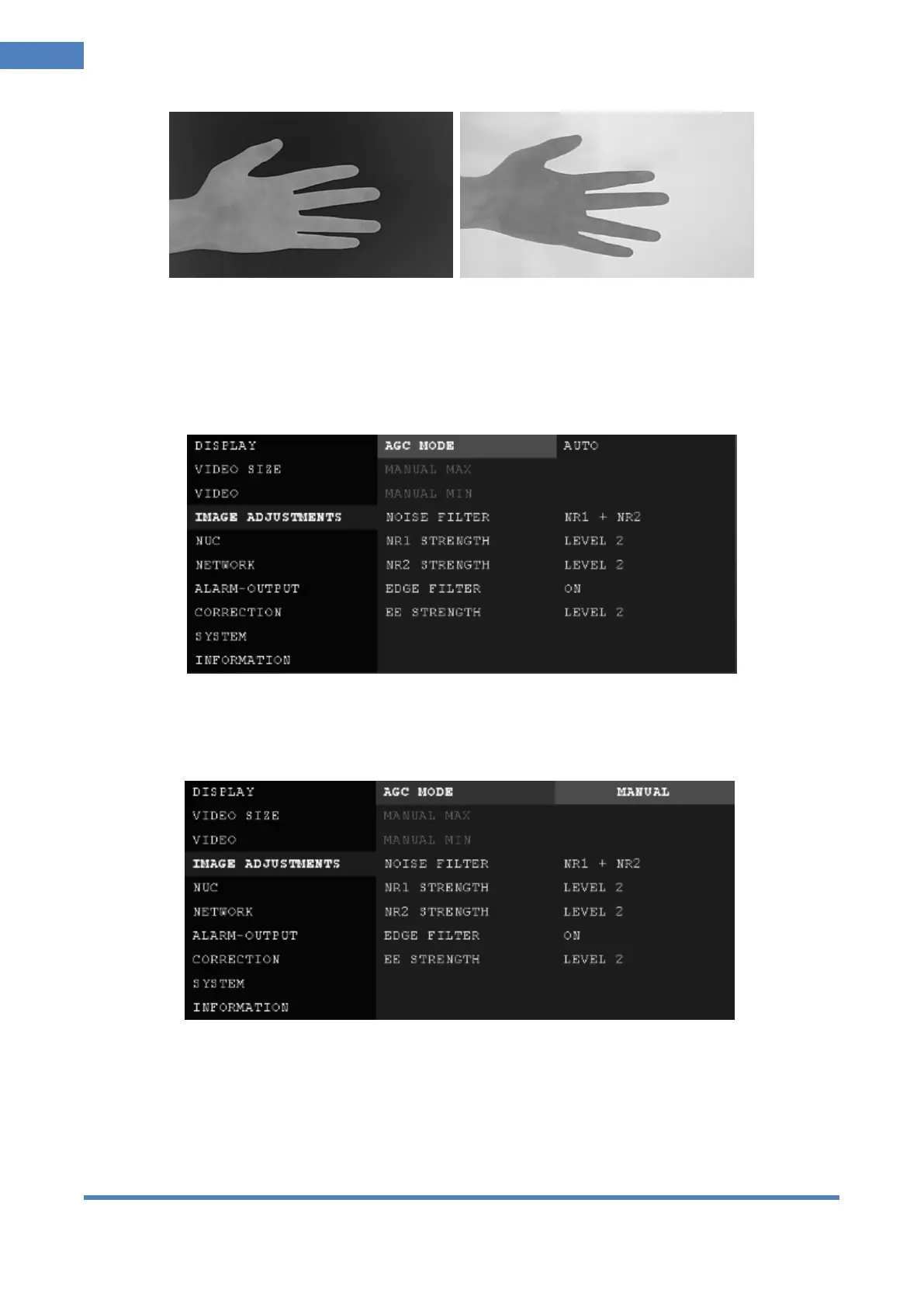
< INVERT: OFF> < INVERT: ON>
6.5 IMAGE ADJUSTMENTS Tab
In the IMAGE ADJUSTMENTS Tab, user can set parameters of AGC, NOISE FILTER and EDGE
① AGC (Automatic Gain Control): Automatically adjust the input-to-output gain to a suitable value
AUTO : Automatically adjust the input-to-output gain(brightness of image)
MANUAL: Set value of gain manually.
※ In MANUAL setting, image become to be terribly bright or dark if not properly set.
② MANUAL MAX / MANUAL MIN (0 ~ 16383): Set max. level and min. level manually.
Activated when MANUAL is selected in AGC MODE.
MANUAL MIN / MAX varies depending on the temperature mode. MANUAL MAX must be at least
5 larger than MANUAL MIN.
Ex) When MANUAL MIN is 10, MANUAL MAX can be set from 15.



 To Next Page