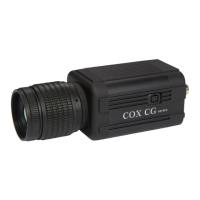
Need help?
Do you have a question about the COX CG640 and is the answer not in the manual?
Safety precautions for connecting power to the camera.
Safety precautions for installing the thermal camera.
Overview of thermal camera applications and quality.
Steps for establishing network connection.
OSD menu for image enhancement settings.
OSD menu for network configuration.
Selects temperature measurement range.
Shows temperature data (Max, Min, Avg, CTR).
Automatic adjustment of image gain/brightness.
Reduces image noise.
Enhances object edges.
Selects NUC execution mode.
Configures DHCP usage.
Configures the IP address.
Configures the subnet mask.
Configures the network gateway.
Sets alarm signal type (NO/NC).
Configures alarm modes like OFF, READY, PWM, TEMP.
Enables/disables correction functions.
Sets material emissivity for measurement.
Adjusts temperature offset for accuracy.
Sets distance for measurement correction.
Selects temperature measurement range.
Normal temp range (-20C to 120C).
High temp range (0C to 500C).
Selects RS485 communication protocol.
Resets all settings to factory defaults.
 General
| Brand | COX |
|---|---|
| Model | CG640 |
| Category | Thermal cameras |
| Language | English |


 To Next Page