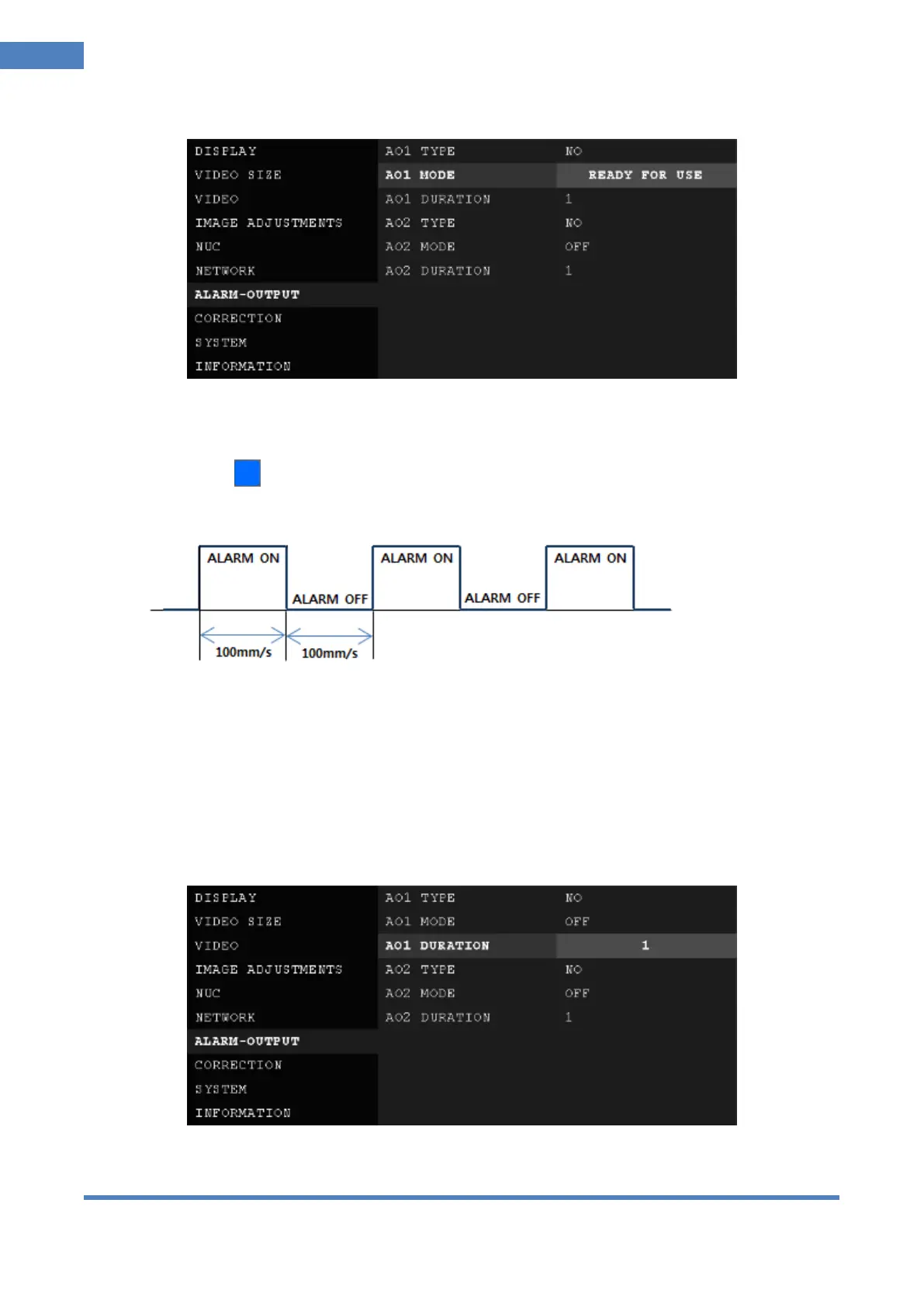
② A01 (02) MODE: Set # 1(2) alarm mode.
OFF: Not use alarm mode.
READY FOR USE: Send alarm signal only when camera is fully stable for measuring temperature,
that is, status is ‘READY FOR USE’.
ALIVE PWM: Make alarm signal ON and OFF repeatedly in the time interval of 100msec).
Example.>
TEMPERATURE: Execute alarm as per alarm settings set using Camera Controller which is one of
PC software included in the COX camera package.
REMOTE CONTROL: Use alarm set by Thermal Imaging Analyzer or customers’ version of Thermal
Imaging Analyzer developed by customers based SDK provided by COX.
TEST ALARM ON: Execute test alarm.
TEST ALARM OFF: Stop test alarm.
③ A01 (02) DURATION: Set duration of alarm signal after alarm condition ended.
0 : Alarm signal stops at the moment alarm condition ended



 To Next Page